Job sheet App: create, schedule and invoice digital job sheets

Digitale werkbon app op desktop, tablet en smartphone — Simple-Simon werkbonnen software

The smartest way to go paperless, both in the office and on the road.

Lost paper job sheets, re-entering hours from your phone at the end of the day, and calling customers back for a signature. For many field service businesses, that’s part of everyday work, adding an average of 3 to 6 minutes to every job sheet.

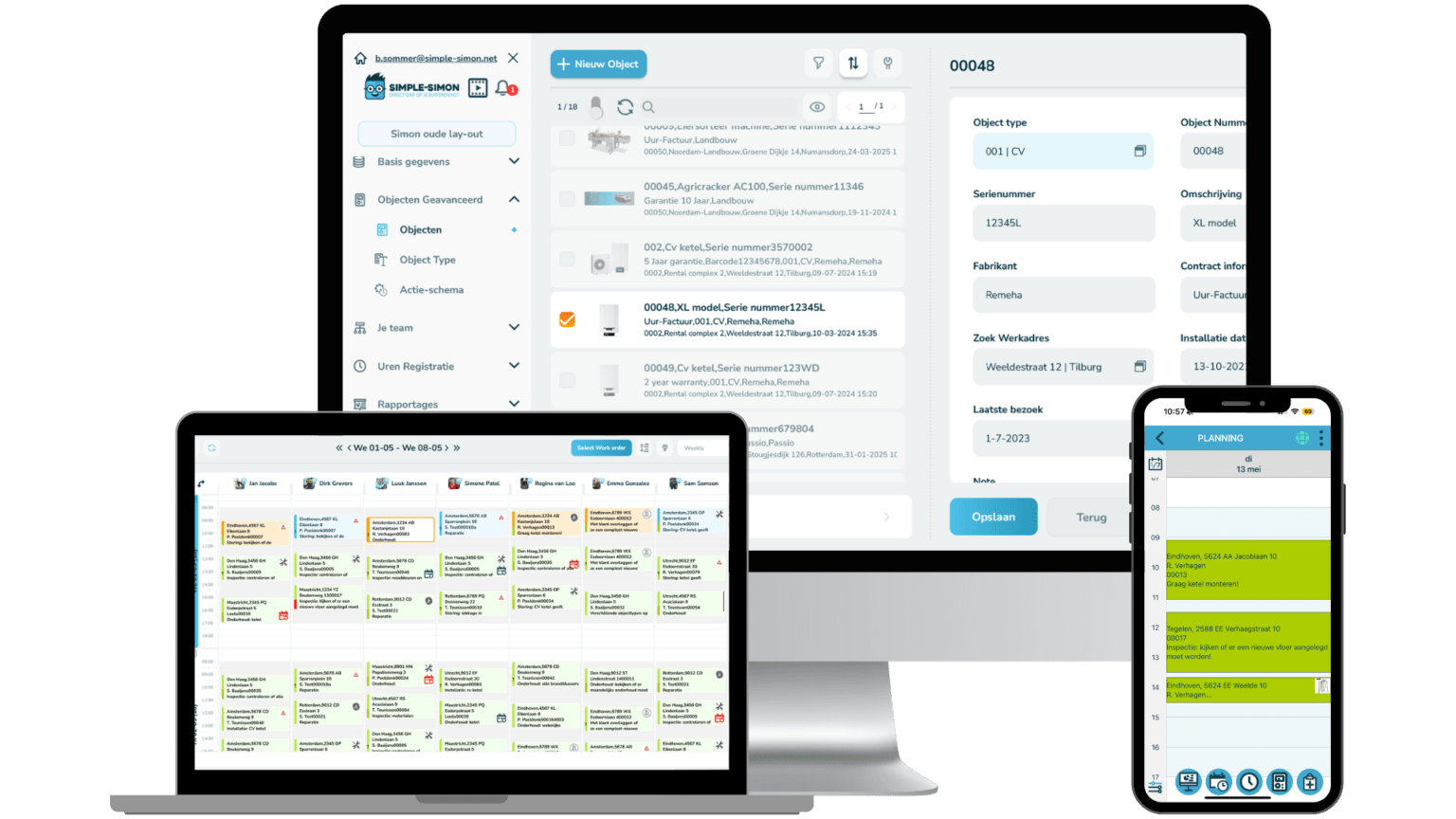
Simple-Simon’s job sheet app replaces this process with digital job sheets that your field engineers complete directly on their smartphone or tablet. Your office team sees every update in real time, and as soon as the job is finished, the invoice is ready. No duplicate data entry, no missed hours, and no delayed invoices. Thanks to direct integrations with accounting software such as Exact, and WeFact, all data is synchronised automatically.

Perfect for field service businesses with mobile teams. Also the ideal job sheet app for freelancers.

Try free for 14 days Plan a demo

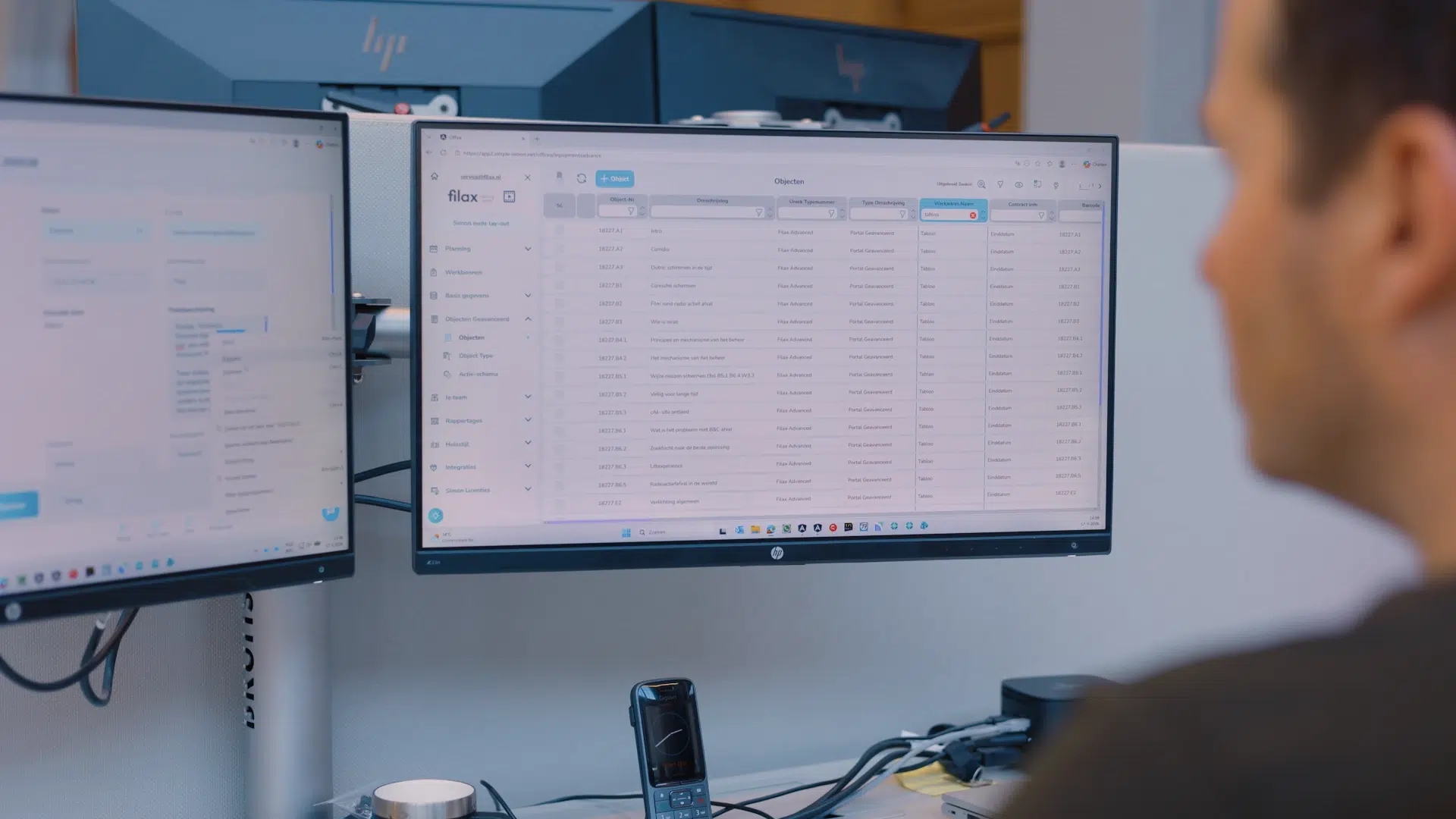
Klant van Simple-Simon die de kantoormodule gebruikt

What is a digital job sheet?

A job sheet is the document used to record what was completed during a job: which tasks were carried out, which materials were used, and how much time was spent. A digital job sheet is the electronic replacement for traditional paper job sheets. It contains everything needed for a job, including customer details, the job address, the work to be completed, the required materials, and the scheduled time.

With Simple-Simon, digital job sheets are accessible from smartphones, tablets, and desktops, giving both office staff and field engineers access to the same up-to-date information.

No more lost job sheets, unreadable handwriting, or delays between the field and the office. Everything is stored in one central system and updated in real time.

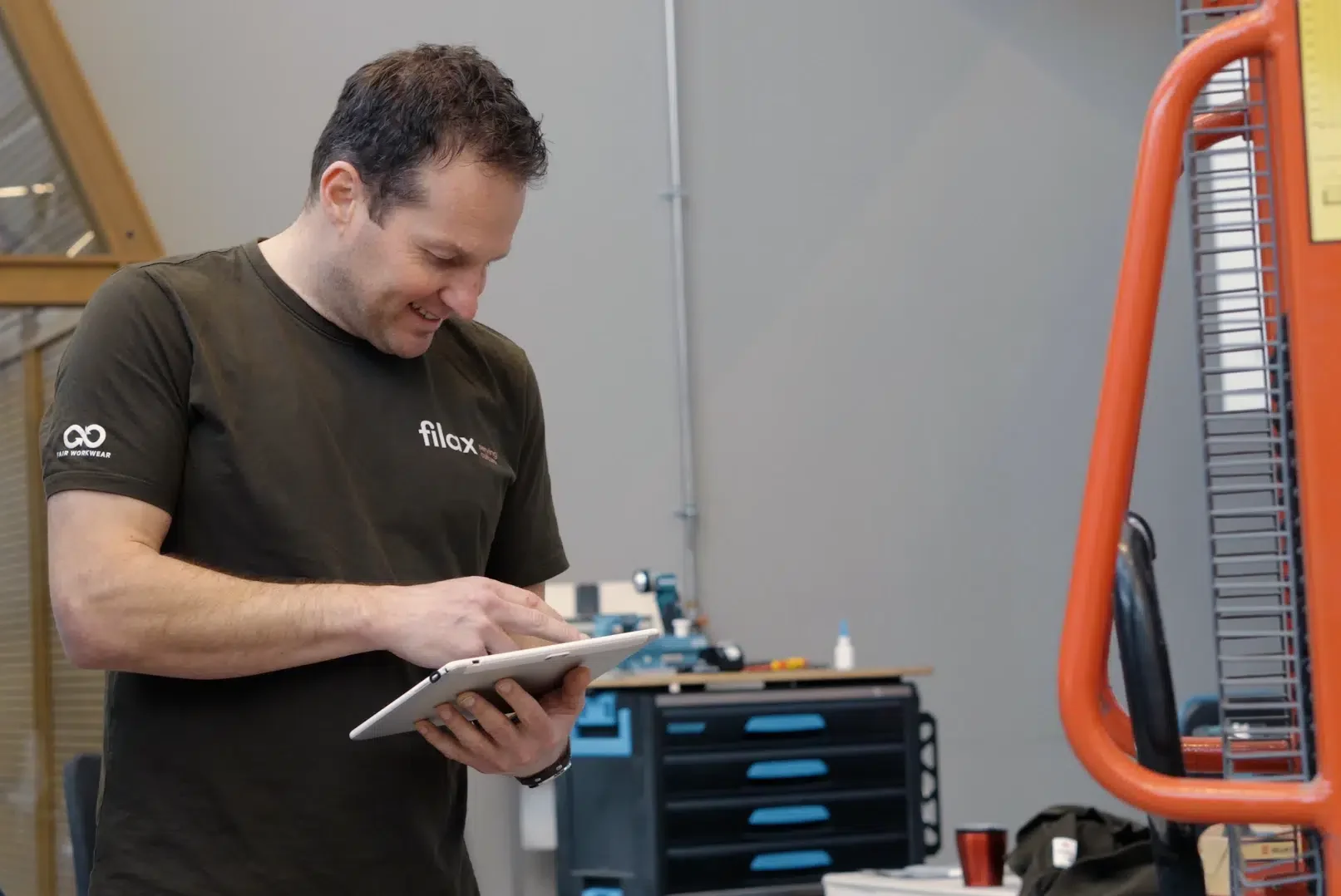
monteur die de simple-simon app gebruikt op tablet

Who is the job sheet app for?

Simple-Simon’s job sheet app is built for field service businesses with mobile teams. Whether you have 1 or 20 field engineers, the app scales to fit your business.

Simple-Simon is the right solution if you:

  • Still use paper job sheets and manually re-enter them into your accounting software.
  • Call or message your field engineers to keep them updated about the planning.
  • Experience invoicing delays because you’re waiting for completed job sheets.
  • Want clear insight into the hours worked and materials used for each customer or project.

Simple-Simon is used by installation companies, plumbers, landscapers, security companies, property management businesses, maintenance companies, and many other field service organisations. Explore all the industries we support.

The app is also ideal for freelancers. You only pay for the number of users you need. On the road, the app works as a mobile job sheet, allowing your field engineers to access and complete job sheets anytime, anywhere—even without an internet connection.

Werkbon uitleg via de telefoon

What are the benefits of the job sheet app?

No more paper job sheets

Your field engineers complete digital job sheets on their smartphone or tablet while they’re still on-site. No more unreadable handwriting, lost paperwork, or piles of job sheets waiting at the office. Customers sign directly on the screen, and the completed job sheet is instantly available in the system.

Real-time visibility of your field operations

See the status of every job sheet at any time. Track hours worked, materials used, and whether a job has been completed. With the digital planning board, you always have a live overview of your field team without having to make a single phone call.

Faster invoicing through your accounting software

As soon as a job sheet is completed, you can generate a draft invoice immediately. Simple-Simon integrates with Business Central, Exact Online, WeFact, Moneybird, and more than 70 other accounting systems. Customer data, products, and hourly rates are synchronised automatically, so there’s no need for duplicate data entry.

Keep everyone informed without making phone calls

Every planning change shouldn’t have to end with a phone call or WhatsApp message. Your field engineer calls the office, the office calls the customer, and valuable time disappears without ever being billed.

With Simple-Simon, your field engineers see planning updates instantly in the app. Customers automatically receive a confirmation, and every engineer has access to customer details, job history, and previous work before arriving on-site. Meanwhile, your office team can see in real time whether a job is in progress or completed—without picking up the phone.

Work more sustainably

Stop printing, storing, and archiving paper job sheets. By going digital, you reduce paper usage, cut down on administration, and create a more sustainable workflow without increasing costs or spending extra time.

How the job sheet app works in 4 simple steps


Step 1: Create and schedule a job sheet

Create a new job sheet in the office module and schedule it on the digital planning board. Creating a digital job sheet in Simple-Simon takes less than a minute. Enter the customer details (or select an existing customer), describe the work, and add materials, checklists, or forms if needed. Link the job to a customer, asset, or project, assign it to a field engineer, and the job sheet instantly appears in their app.


Step 2: Complete the job in the app

Your field engineer opens the job sheet app on their smartphone or tablet. They can see all customer information, the job description, and any required checklists or safety forms. During the job, they record hours, materials used, and photos. Once the work is finished, the customer signs directly on the screen.


Step 3: Stay in control from the office

Track the status of every job sheet in real time. See which jobs are in progress, which have been completed, and whether any issues need attention. Time tracking and material tracking are updated automatically, so your administration is always up to date.


Step 4: Invoice immediately

Once the job is completed, generate an invoice directly from the completed job sheet. Thanks to the integration with your accounting software, everything is transferred automatically—no manual data entry, no missing information, and no duplicate administration.


Want to create your own digital job sheet?

Start your 14-day free trial


Tablet in gebruik voor het maken van een foto

Additional features

Time tracking
Easily record working hours and travel time using the time tracking app on your field engineer’s smartphone. Always stay on top of the hours worked and generate accurate reports with ease.

GPS tracking
Track the real-time location of your field engineers with GPS tracking. This helps you plan jobs more efficiently and respond quickly to schedule changes or urgent call-outs.

Customer history
Build a complete customer history with every job. Instantly access important customer information, previous job sheets, service records, and past interactions whenever you need them.

Digital signatures
Let customers sign the job sheet directly on your field engineer’s device. The signed job sheet is immediately valid, securely stored, and eliminates disputes about the work that was completed.

Photos and forms
Field engineers can attach photos and complete digital forms while on-site. Ideal for warranty claims, quality inspections, compliance checks, and keeping customers informed with clear documentation.

Integratie overzicht in simon app

Integrate your job sheet app with your accounting software

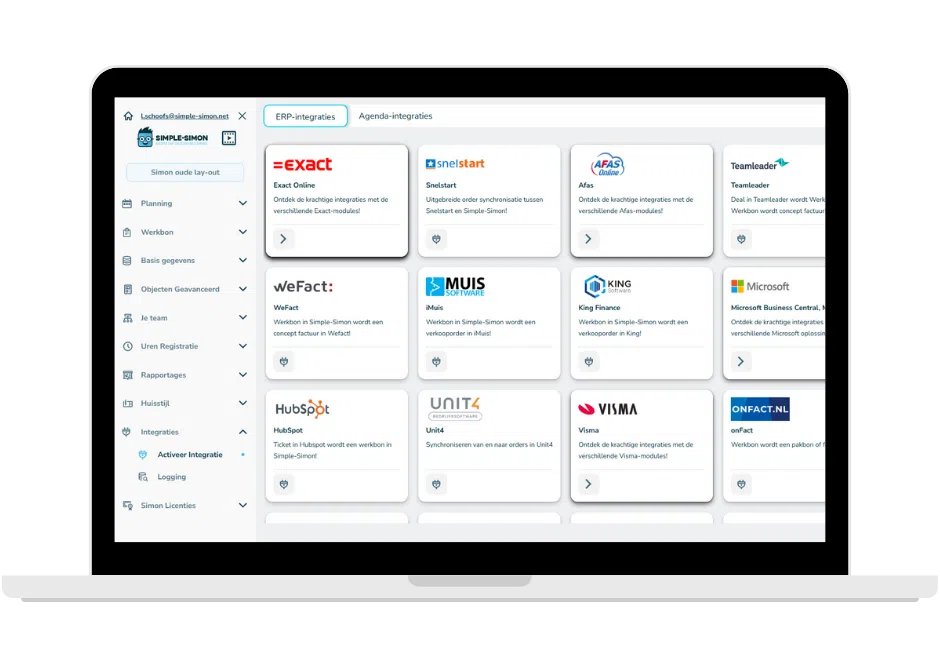
One of the biggest advantages of the Simple-Simon job sheet app is its direct integration with your accounting software. Customer details, products, and pricing are synchronised automatically, so everything entered on the job sheet is immediately ready to be turned into a draft invoice.

Simple-Simon integrates with:

  • Exact Online – Full synchronisation of customers, products, and invoices.
  • WeFact – Go from completed job sheet to invoice in just a few clicks.
  • Moneybird – A simple integration for modern field service businesses.
  • AFAS – A powerful standard ERP integration that connects your business processes seamlessly.
  • Microsoft Dynamics 365 Business Central – Connect Business Central and manage your field service operations in Simple-Simon.
  • 70+ other accounting and ERP systems – Choose from a wide range of integrations to fit your business.

No duplicate data entry. No lost revenue from unrecorded materials. No invoices waiting weeks to be sent.

Werkbon PDF op tablet

Free job sheet template

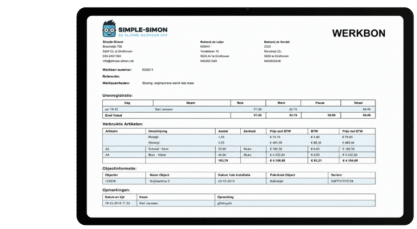
Want to see what a digital job sheet looks like before creating an account? View our free job sheet template and discover exactly what information you can record for every job.

Support team Simple-Simon werkbon app — altijd bereikbaar voor servicebedrijven

Want to see the job sheet app in action?

Start your 14-day free trial: no contract, no credit card required. Your first job sheet will be ready in less than 5 minutes.

Prefer a guided walkthrough? Book a free demo and we’ll show you how the Simple-Simon job sheet app works for your industry.

From just €30 per user, per month, with monthly cancellation. View all pricing and available modules.

Try free for 14 days Plan a demo

Monteur maakt kennis met software systeem Simple-Simon

Your first job sheet up and running in 5 minutes

Simple-Simon is one of the highest-rated job sheet apps, with an average rating of 4.8/5 across platforms including Google, the Google Play Store, and the Apple App Store. Our support team is always here to help, guiding you step by step as you digitise your field service processes.

Start using the Simple-Simon job sheet app today and see how much easier managing your work can be.

Start your 14-day free trial

Frequently Asked Questions About the Job Sheet App

Scrolling through the weekly planning in Google Chrome is extremely slow. How can I resolve this?
Due to an update to Google Chrome, scrolling in the weekly planner may be extremely slow. To resolve this, please follow these steps: 1. Open Google Chrome and type chrome://flags in the URL bar. 2. At the top of this page, search for Smooth Scrolling. 3. Set this to Disabled. 4. Close all tabs and restart Google Chrome.
How do I order new licences?
Go to “Licence” -> “Purchase licences” -> Indicate how many licences you want to purchase (your details have already been filled in for you) -> “Save”. You can also set up direct debit here under “Activate direct debit”.
What is a job sheet app?

A job sheet app is a mobile application that allows field service businesses to create, plan, and complete job sheets digitally. Field engineers fill out job sheets on their phone or tablet, including hours worked, materials used, photos, and the customer’s signature. The completed information is instantly available in the office, with no need for manual data entry.

  Simple-Simon is a job sheet app designed for field service businesses such as installers, plumbers, landscapers, and security companies.
How do I create a digital job sheet?

In Simple-Simon, you can create a digital job sheet either through the office module or directly in the app. Simply select a customer, describe the work to be carried out, add materials or checklists, and schedule the job. The field engineer instantly receives the job sheet on their phone or tablet. Once the job is completed, the customer signs directly on the screen, and the completed job sheet is immediately ready for invoicing.

Creating a digital job sheet takes less than a minute.

Does the job sheet app also work for freelancers?

Yes. Simple-Simon is also suitable as a job sheet app for freelancers. You use the office module for your planning and administration, and the mobile app on your phone or tablet to complete job sheets and collect customer signatures. You only pay for the number of users you need—there is no minimum. Most freelancers start with a single licence at €30 per month.

Can I integrate the job sheet app with Exact or Business Central?

Yes. Simple-Simon integrates directly with Exact Online, WeFact, Business Central, Freeagent, Quickbooka and more than 70 otheraccounting systems. Once connected, customer details, items, and pricing are automatically synchronised. Everything your field engineer records on the job sheet is ready as a draft invoice, with no duplicate data entry.

You can set up the integration yourself through the office module – no developer required.

How much does the Simple-Simon job sheet app cost?

Simple-Simon costs €30 per user per month. There’s no contract, and you can cancel monthly. You can start with a 14-day free trial, and no credit card is required. Additional modules for asset management, advanced time tracking, and service contracts are available at an extra cost.

What is the difference between a job sheet app and job sheet software?

A job sheet app is the mobile component—the app that field engineers use on their phone or tablet while working on-site. Job sheet software is the complete solution, combining the mobile app with the office module used for planning, managing jobs, and invoicing.

Simple-Simon provides both: the job sheet app for field engineers and the office module for planners and office staff. Together, they form a complete digital job sheet solution for field service businesses.

What is the difference between a job sheet app and digital job sheet?

The job sheet app is the software you use, while a digital job sheet is the end result – the completed job sheet created through the app. You use the job sheet app to create, schedule, complete, and share digital job sheets.

Does the job sheet app work without an internet connection?
Absolutely. Field engineers don’t always have a stable internet connection while working on-site. That’s why the Simple-Simon app also works offline. As soon as an internet connection is available again, the app automatically synchronises all data.