


Discover within one hour how to eliminate paper job sheets and manual invoicing

Book your demo!

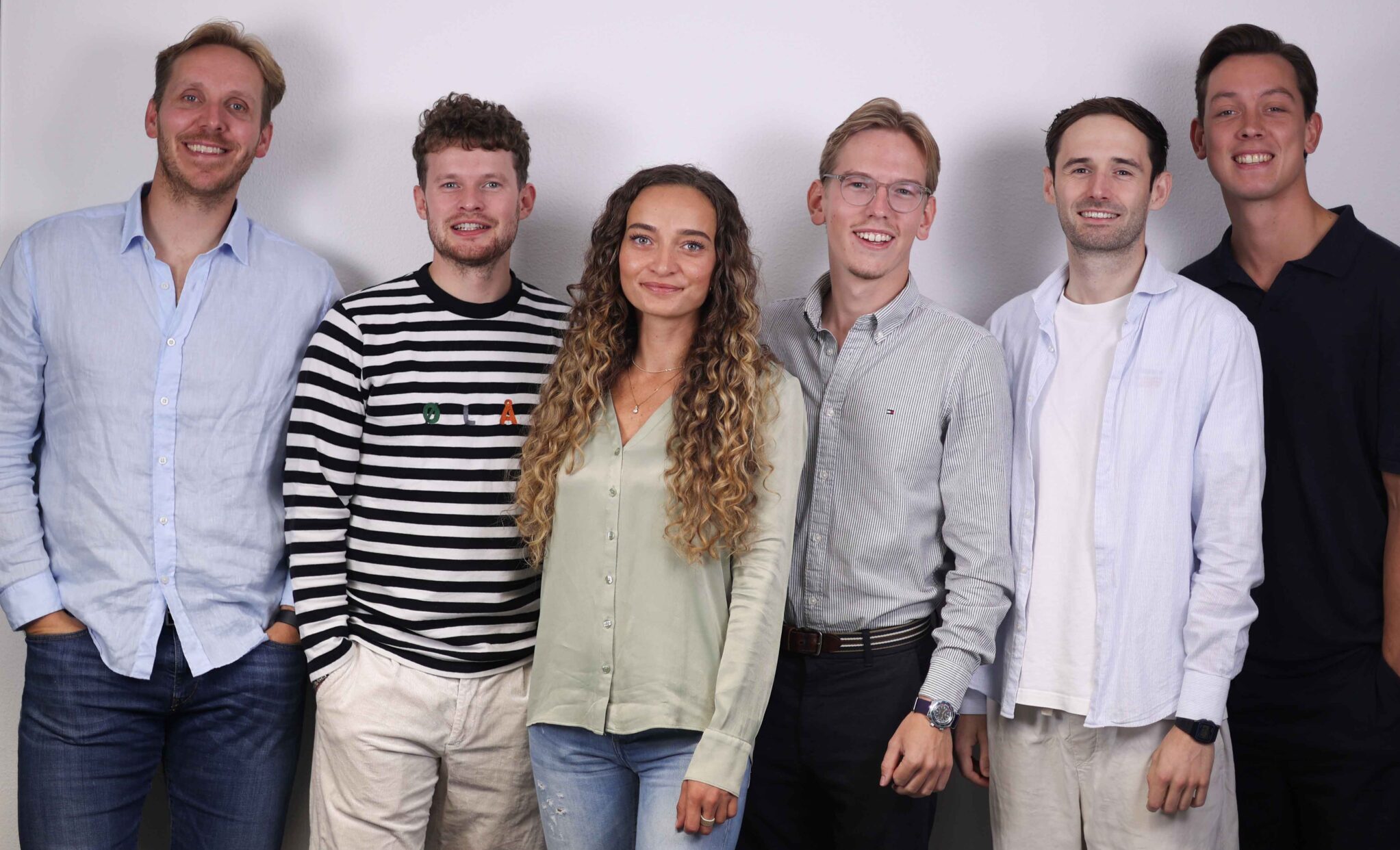
Sales Team medewerkers samen op de foto.

Our team is ready to help!

In a free one-hour demo, we’ll show you how to work with digital job sheets, a clear planning board, and an integration with your accounting or ERP system.

We don’t start with a presentation. We start with your situation: how do your job sheets work today, where do things get stuck, and how much time does that cost you? Then we’ll take you through the app and Office module live, using your type of work as an example. You’ll see exactly how a technician completes a job sheet, what your planning looks like, and how a completed job sheet is transferred to your accounting system as a draft invoice.


Other field service companies have already made the switch

From self-employed electricians and window-cleaning companies to kitchen installers, agricultural installation companies, and businesses with 30 field technicians: Simple-Simon is used every day by companies that, just like you, wanted to get rid of paper job sheets and duplicate data entry in their accounting system.


Simple-Simon medewerker geeft een live demo van de werkbon app aan bezoekers op een vakbeurs.

Request a demo

Heb je nog vragen? Geen probleem! Neem contact op met onze industrie-experts voor een persoonlijk advies en antwoorden op al je vragen.


Monteur gebruikt de Simple-Simon werkbon app op een smartphone tijdens het werk.

See for yourself how Simple-Simon takes care of your job sheets and planning

Book a demo

What can you expect from a demo?

A Simple-Simon demo is not a sales pitch or a standard video. We take around 45 to 60 minutes, share our screen live, and walk through the way you work. From creating a job sheet to sending the invoice to your accounting system. You can ask questions at any time.

How long does a Simple-Simon demo take?
Allow around 45 to 60 minutes for the demo, which takes place online via video call. Does it take longer because you have a lot to discuss? That’s fine. Are you done within half an hour because everything is clear? That’s fine too.
What does the demo start with?

Not with a presentation, but with questions about you. How do you work now: paper, Excel, WhatsApp, or software that no longer fits your needs? How many people work in the field? What isn’t working well?

Those first few minutes determine what we show you next. We’d rather show you five things that are relevant than fifty things you don’t need.
Which features are covered during the Simple-Simon demo?

We share our screen and walk through one job sheet together from start to finish:

  • The Office module — planning board, job sheets, and basic data. This is where you plan and keep an overview.
  • Your team and permissions — you decide what each employee is allowed to view, edit, or create.
  • Your own forms and checklists — including making them mandatory, so a job sheet cannot be completed until the form has been filled in.
  • The app on the phone — start travel time, register hours and materials, add photos, collect a customer signature, and mark the job as completed. This is the part your technicians will use, so we deliberately spend time on it.
  • The integration with your accounting or ERP system — we show you what happens when the job sheet is completed and where it ends up. Do you work with SnelStart, Exact, Yuki, AFAS, Moneybird, or Business Central? Let us know in advance, and we’ll prepare that integration for the demo.
We can also cover multi-day jobs, recurring job sheets, and your own branding on the job sheet if those are relevant to your business.
Is communication transparent?

Yes, even when the answer is “no.” For example, Simple-Simon does not offer inventory, warehouse, or purchasing management. If that is a dealbreaker for you, you’ll hear it during the demo, not three months later.

The same applies to integrations: we explain what works as standard and what requires custom development.
Are licences and pricing discussed during the demo?

Yes. During the demo, we’ll clearly explain the monthly cost per user, the cost of an integration, and what an implementation package includes. You don’t need to go through a quotation process just to know what to expect.

And there’s no contract: you pay monthly and can adjust your licences as your team changes.
What is the next step after the demo?
You’ll receive a trial account so you can try it yourself. Most people take one to two weeks for this. We’ll also schedule a short 30-minute follow-up to discuss your experience. After that, the decision is yours. If you first want to discuss it internally for two months, that’s absolutely fine.
What do you need to prepare for the demo?

You don’t need to prepare anything, but the conversation will be more useful if you know:

  • which accounting or ERP system you use
  • how many people work in the field
  • which forms or checklists you currently fill in on paper
Feel free to bring your planner or right-hand person along. In practice, they are often the people who will be working with it every day.
Does Simple-Simon integrate with my accounting or ERP system?
Simple-Simon has 80+ ready-to-use integrations, including SnelStart, e-Boekhouden, Exact, Yuki, and Microsoft Business Central. A completed job sheet is automatically turned into a draft invoice in your system, without any duplicate data entry. Do you use a different system? We’ll simply check that during the demo.
What’s the difference between the demo and the specialist contact form?
During the demo, we show you live how Simple-Simon works for your industry and your specific situation, tailored to your business in a one-hour session. If you only have a quick question, for example about pricing or an integration, you can ask it by using the form.