

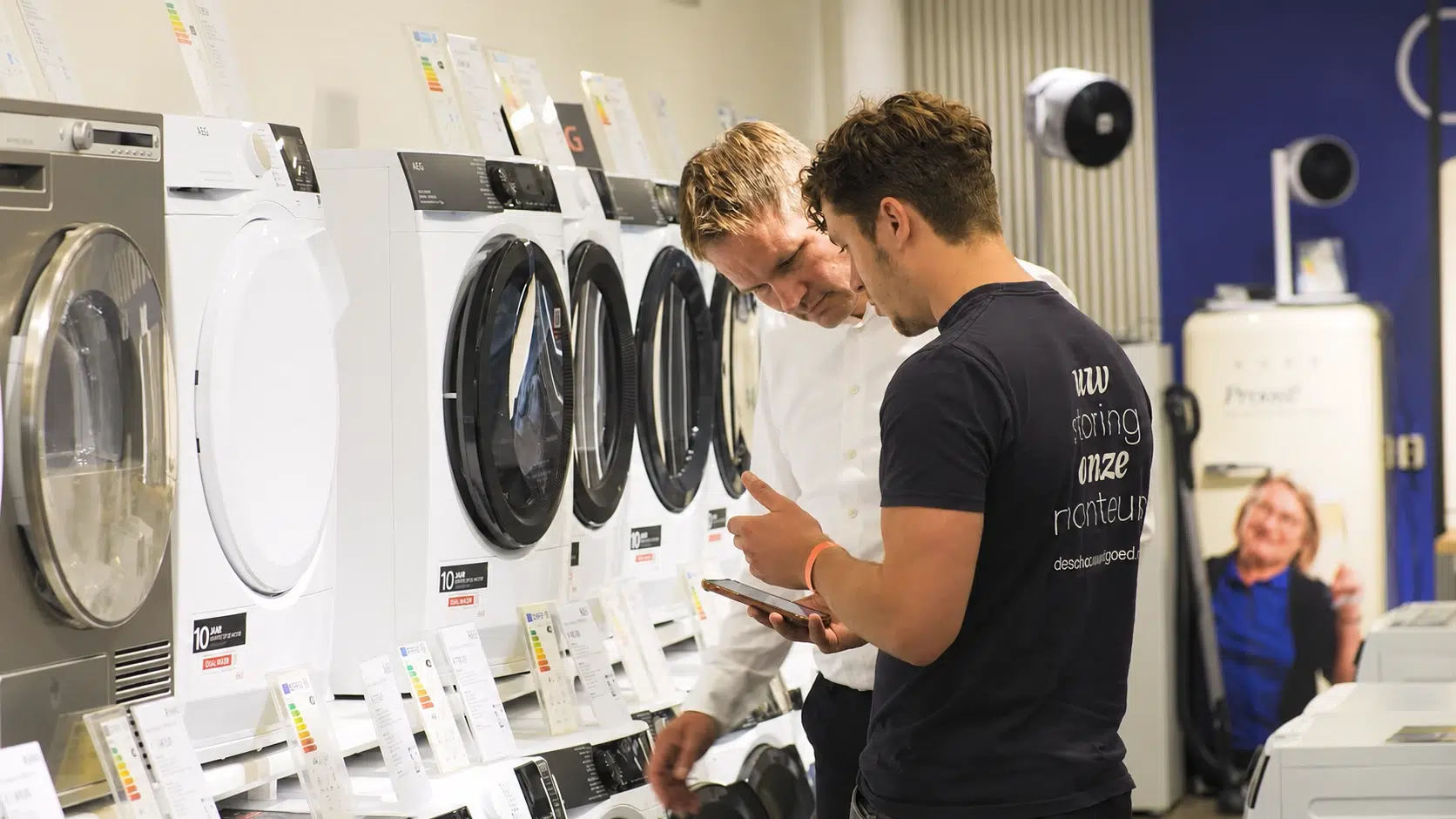
Monteur en klant bekijken samen informatie op een smartphone bij wasmachines.

Register hours like a PRO

Work completed before 8 a.m. has a different rate, weekend hours are paid differently, and return travel hours are registered separately. Every month, someone in the office has to sort all these hours out manually. It takes time and mistakes are easily made.

With Simple-Simon’s Hour Registration PRO, your technician registers their hours just once, on a job sheet or task. The correct booking code and percentage are then applied automatically. The office team simply checks the hours, makes adjustments where needed, and approves them. No retyping and no manual calculations.

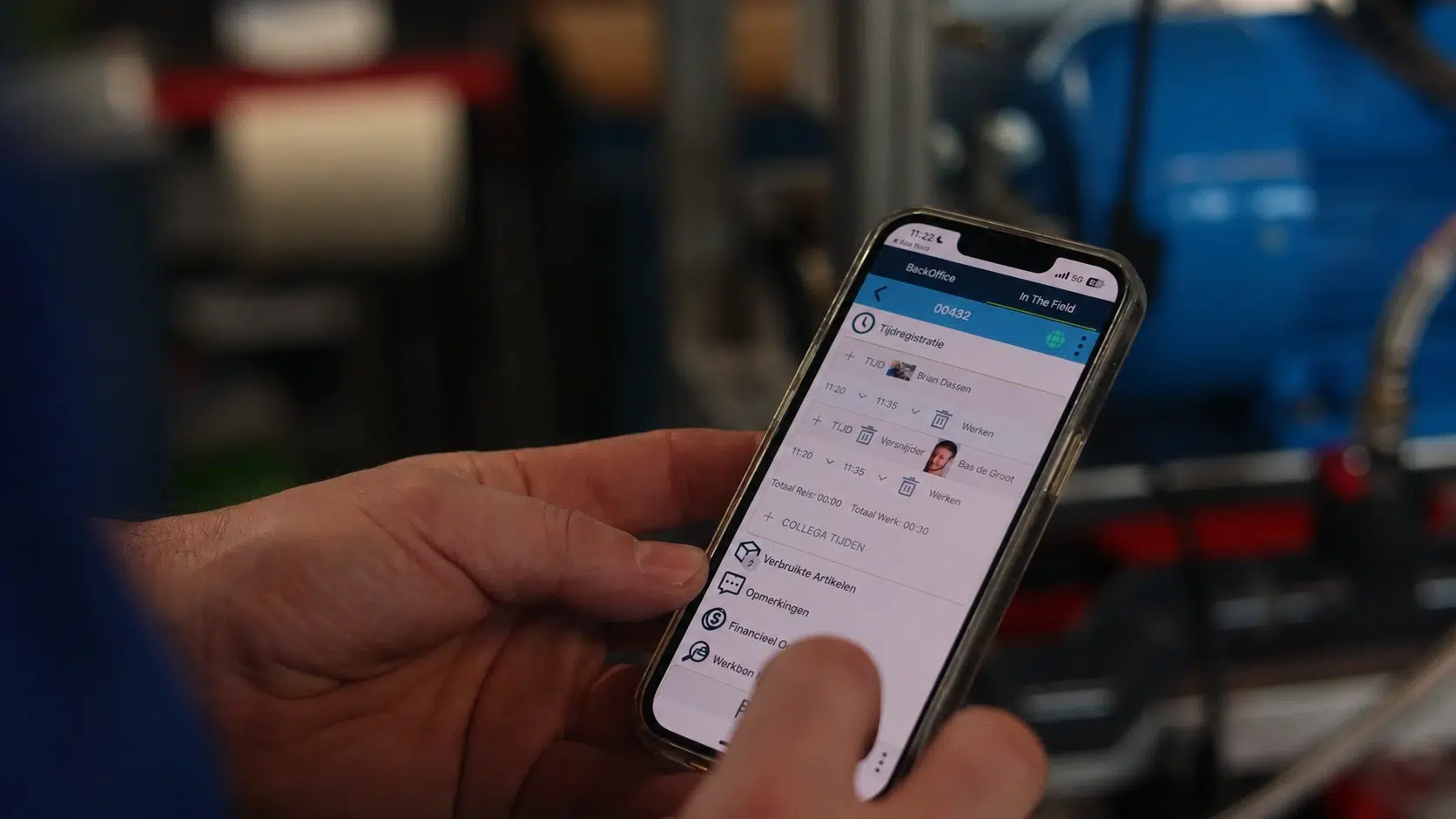
Monteur registreert gewerkte uren op een smartphone met de Simple-Simon app.

How the hour registration app works for your technician

Your technician opens the app on their own phone or tablet, selects what they are working on and registers their hours as soon as the job is finished. Working hours, travel hours and breaks are entered as separate lines, so there is no need to calculate or add anything up manually. If they are working in a basement or technical room without an internet connection, the app works offline and synchronises everything as soon as they are back online.

At the office, you can see the registered hours coming in throughout the day, instead of waiting until paper notes land on your desk on Friday. That is the whole point of digital hour registration: the hours are already there before anyone needs to ask for them.

The app works on both iOS and Android, and your technician does not need to know any booking codes. These are automatically linked to the type of hours they select.
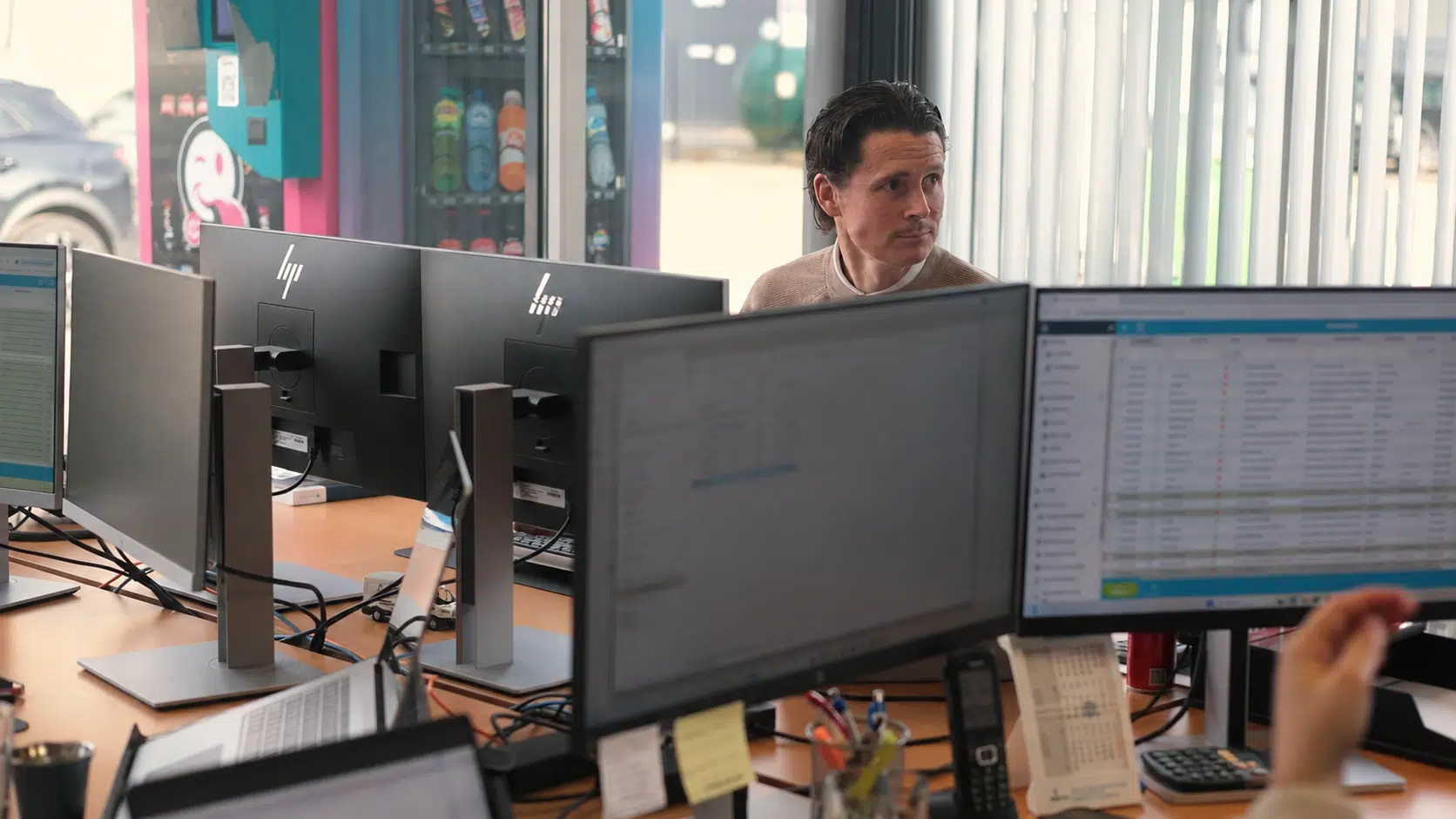
Planner werkt achter meerdere beeldschermen op kantoor voor het plannen van de buitendienst.

Breaking down hours currently takes up most of your time

Registering hours is not the problem. Breaking them down is. Public holidays, weekend hours and overtime all have different rates. As long as those hours come in through an Excel file or on a paper note, someone in the office has to calculate them manually every month. And even then, there is still the question of whether everything is correct.

With Hour Registration PRO, that breakdown happens while the hours are being registered. Your technician simply selects in the app what they have done, and Simple-Simon automatically applies the correct booking code and percentage. So what arrives at the office is not a list of hours that still needs to be processed, but a daily timesheet that is already ready to be checked.

What you define for each hour type

You decide which hour types your company uses and which booking code and percentage are linked to each one. They are managed in one place in the office module, so everyone works with the same definitions.

Here is an example of the most commonly used hour types:

Hour type Bookingscode  Percentage or rate Where it is booked
Regular work WORK-100  100%  Job sheet or task
Work before 08:00 EARLY-125  125%  Same job sheet
Overtime outside regular working hours OT-125  125%  Same job sheet
Saturday SAT-150  150%  Job sheet or task
Sunday and public holidays HOL-200  200%  Job sheet or task
Domestic travel hours TRAVEL-100  100%  Separate from the job sheet
International travel hours TRAVEL-INT  Eigen tarief  Separate from the job sheet
Workshop and internal work INTERNAL  100%  Separate task
Leave and sick leave LEAVE Niet van toepassing  Separate task
Digitale urenregistratie van monteurs in Simple-Simon op een laptop.

Approving hours: the office checks, adjusts and approves

The hours entered by the technician are checked by the office team. They can view the submitted daily timesheet, compare the registered hours with the scheduled hours, make adjustments where needed and then approve them with a signature.

From that moment on, it is clear what has been registered and who approved it. Only approved hours are included in your reports. That helps prevent discussions afterwards. You no longer need to search through paper notes to find out who submitted what and when, and if a technician needs to correct their hours, they do so before anything is approved rather than afterwards.

Twee servicemonteurs lopen naar een klantlocatie voor een onderhouds- of serviceklus.

Hours on a job sheet or task

Not all work is linked to a job sheet. A technician might spend a morning in the workshop, drive to a supplier or take a day of leave. With Hour Registration PRO, they can simply register those hours on a separate task, so at the end of the week you have a complete daily timesheet instead of one with gaps in it.

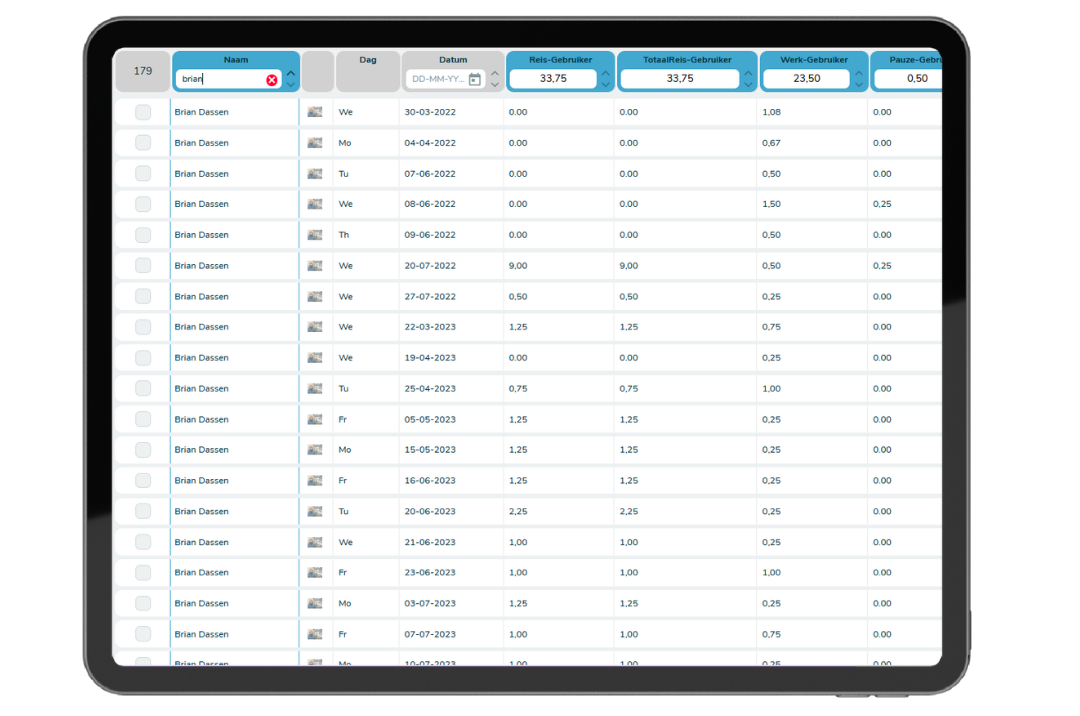
Overzicht van digitale urenregistratie en reistijd in Simple-Simon.

Reporting and export

Filter by date, technician or project and you have the overview you need. View daily, weekly and monthly totals per technician and per booking code, and export them as a PDF daily timesheet or Excel file.

It is exactly the overview you need at the end of the month: working hours, overtime and travel hours side by side, broken down by booking code.

Filter by project and you can see how many hours have been spent on it so far and whether that matches your budget. This way, you can spot halfway through a job that it is taking more time than expected, rather than only finding out when the final invoice is prepared.

Vrouw geeft een presentatie tijdens een zakelijke bijeenkomst.

What hour registration delivers in practice

  • No more retyping hours, because your technician registers them once on their phone.
  • No more manually calculating allowances, because overtime, weekend hours and public holidays are already assigned to the correct booking code.
  • Keep travel hours and working hours separate, even for international travel.
  • Only approve hours that you have checked and signed off yourself.
  • Provide payroll with totals per technician and per booking code, in Excel or as a PDF daily timesheet.

Frequently asked questions about Hour Registration PRO

Start today with Simple-Simon

Plan a demo or start a 2 week trial

Complete for €30  per month, per user

Try for freeStart a demo

“Our company has been using this app for a very long time, and now with the new 3.0 version, it works even better. Thanks a lot!”

Aktie Totaalinstallateurs B.V.

★★★★★
★★★★★
4.8/5 rated