

Digitise forms with Simple-Simon

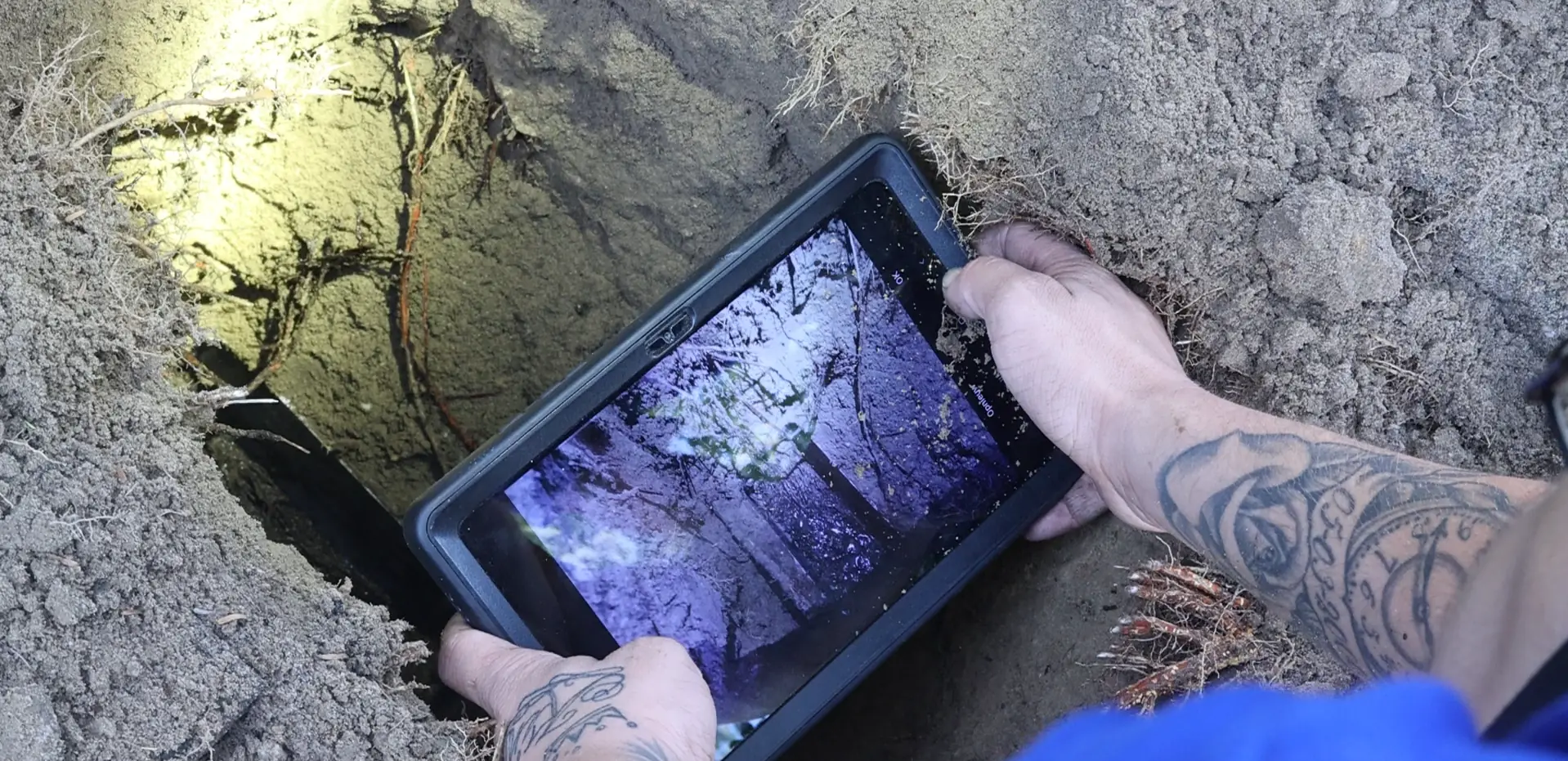
Your field workers fill in forms on paper. Handwritten, sometimes unreadable and always manually retyped at the office. With Simple-Simon, you can digitise every form that fits your workflow: job sheets, maintenance reports, completion forms and checklists.

The field worker fills it in on their phone on-site. You see it instantly at the office, without calling afterwards or waiting for a pile of paperwork at the end of the week.

Ready to digitise your forms? Try Simple-Simon free for 2 weeks or schedule a live demo.

Start your free trial

Why digitalize forms with Simple-Simon?

  • Your field workers fill in forms on their phone, even without an internet connection. The data is automatically synchronised once they are back online.
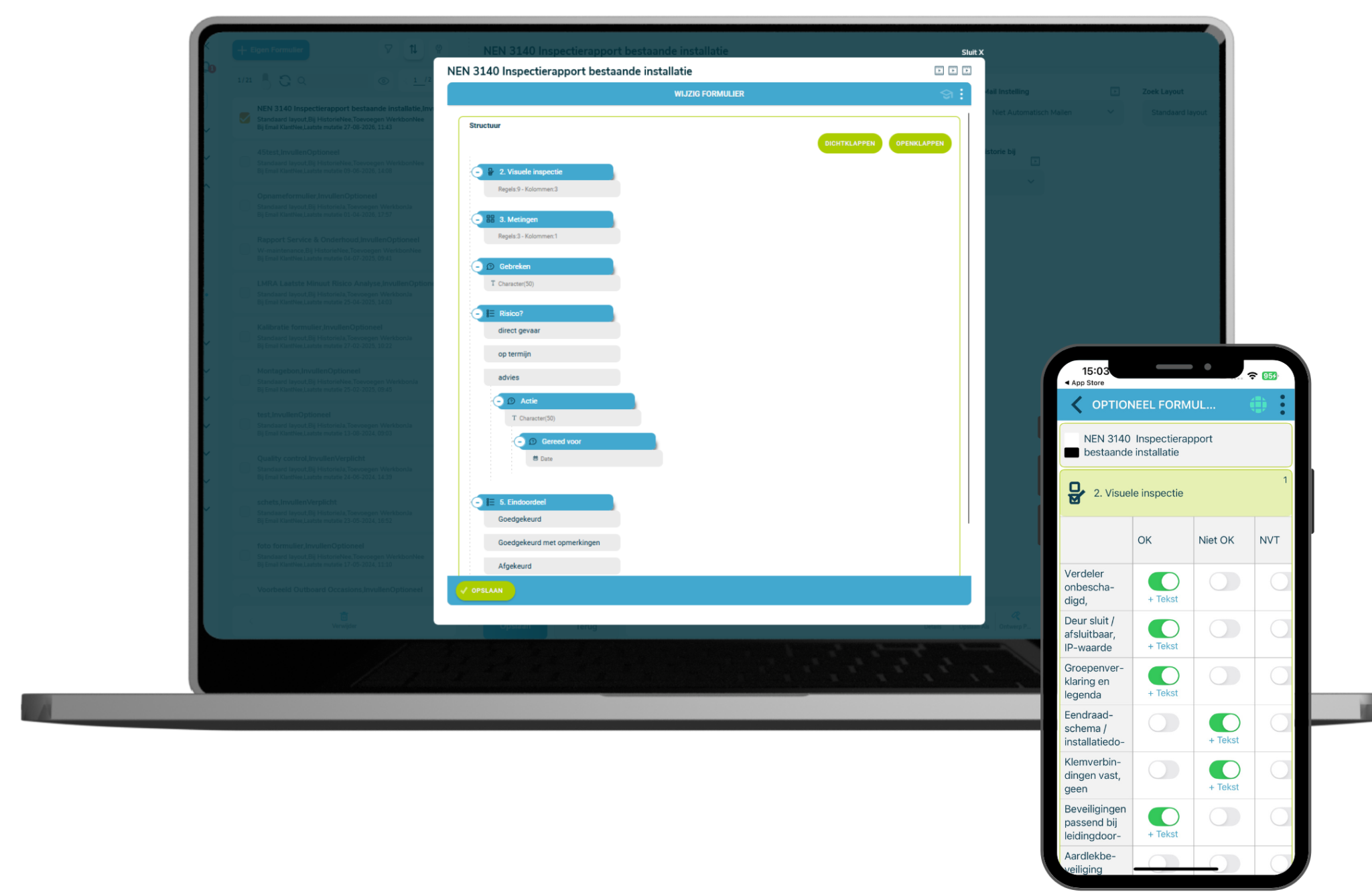
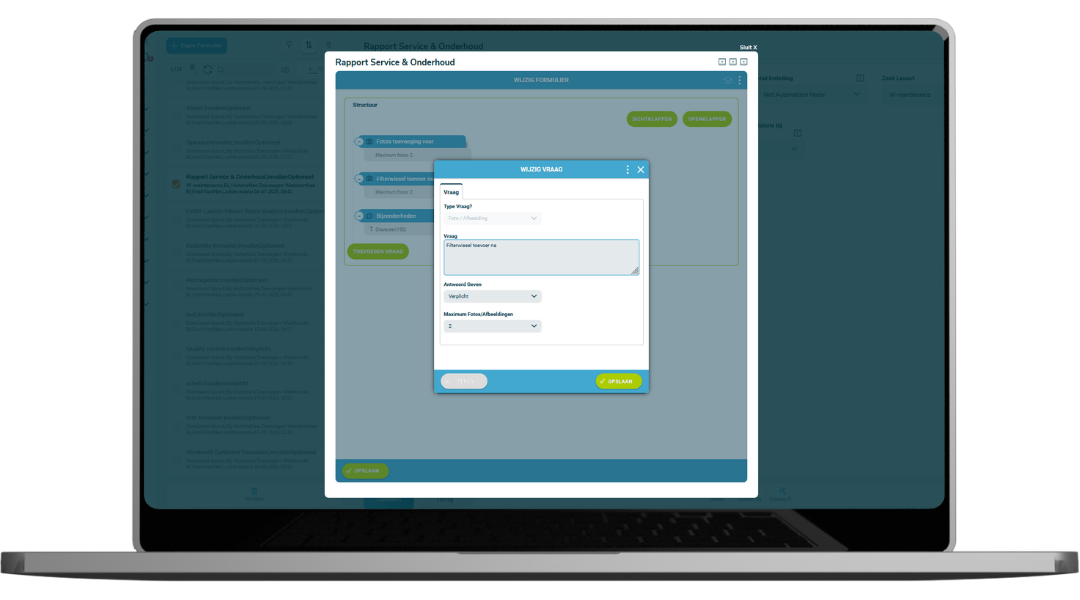
  • You can customise every form: add photo fields, digital signatures, multiple-choice questions and checklists.
  • You link each form directly to the relevant job sheet, customer details and customer address.
  • Once completed, you can share the form directly with the customer as a PDF in your own branding.
  • You always stay in control: all completed forms are stored centrally and are easy to search.

Forms, job sheets and invoicing in one platform

What makes Simple-Simon unique: a digital form is never separate from the rest of your workflow. Every completed form is directly linked to the job sheet app, customer details and the materials used.

As soon as the field worker has finished the job and completed the form, the job is ready for invoicing through the connection with your accounting software.

Need extra information on-site? Add attachments to the form, such as floor plans or measurement reports. You always have the customer’s complete file at hand in the app.

Send directly as a PDF in your own branding

Job completed? The field worker completes the form in the app and sends it directly to the customer as a PDF, including your logo, colours and layout. No paperwork to bring back to the office, no delays. The customer receives the form while the field worker is still on-site.

All sent forms are also stored centrally in Simple-Simon, so you and your team can always access them when needed.

How does digitalizing your forms in Simple-Simon work?

  1. You build your own form in the form builder: add fields, set the order and choose which fields are required.
  2. You link the form to a job sheet. Customer details and the address are filled in automatically.
  3. You open the job sheet in the app and complete the form on-site, even without an internet connection.
  4. You complete the job and the customer signs digitally. You send the form directly as a PDF.
  5. You see all completed forms in real time at the office. The job is ready for invoicing.

Start Using Custom Forms in Simple-Simon Today

Curious how custom forms can optimize your workflows? Schedule a live demo with a Simple-Simon consultant and discover in just 45 minutes how to apply the platform to your specific situation. Or create a free test account and explore the benefits of digital work orders and custom forms yourself.

Try for free

Start today with Simple-Simon

Plan a demo or start a 2 week trial

Complete for €30  per month, per user

Try for freeStart a demo

“Our company has been using this app for a very long time, and now with the new 3.0 version, it works even better. Thanks a lot!”

Aktie Totaalinstallateurs B.V.

★★★★★
★★★★★
4.8/5 rated