Software for security and electrical engineering: documented maintenance, from logbook to completion

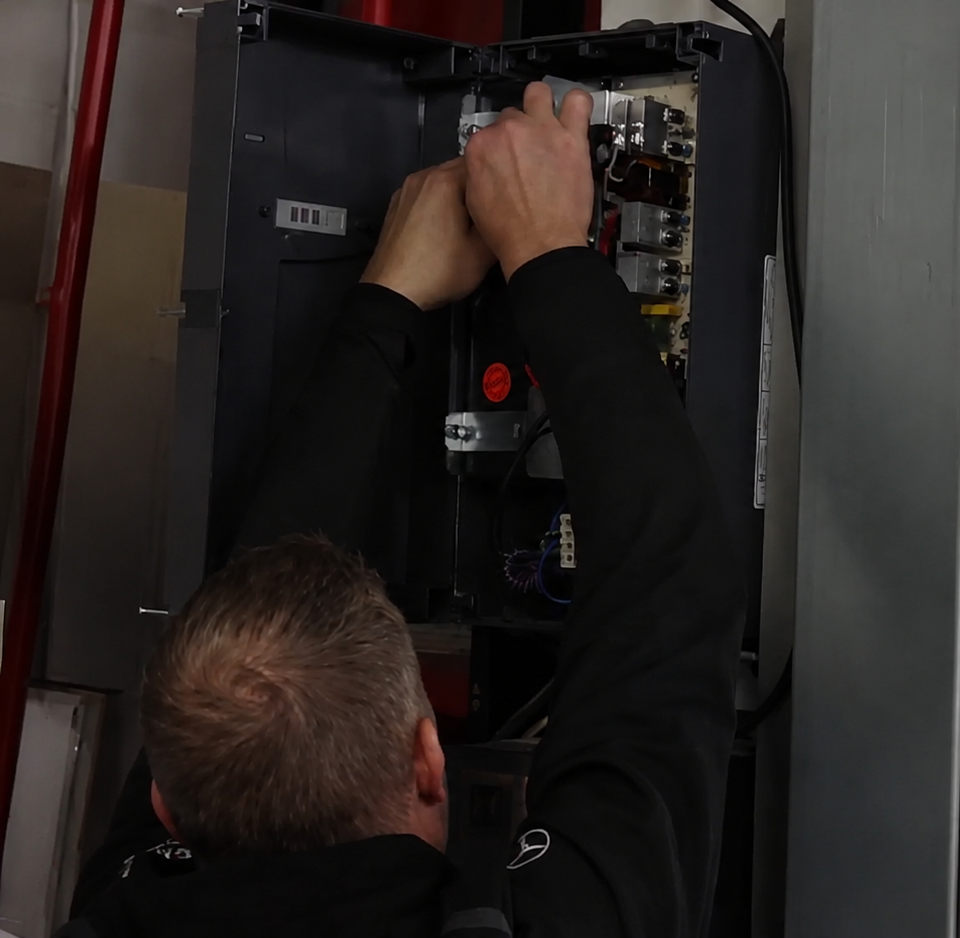
Monteur voert onderhoud uit aan een elektrische installatie in een winkel.

Software for security and electrical engineering: the complete history of every installation

Your technician is at a customer site where a burglar alarm system was installed three years ago. Which control panel is installed again? Which detectors have been added since then? And what was recorded in the last maintenance report? They call you. You look it up in a folder or an old invoice.

Meanwhile, the annual planning for your maintenance contracts is kept in an Excel file that only one person understands. An emergency call comes in and disrupts the entire afternoon. And last week’s completion documentation is still in the van, while the customer is asking for it for their insurer.

Whether you install alarm and camera systems, maintain fire alarm systems or inspect electrical installations, the work itself is properly managed, but the administration around it is not.

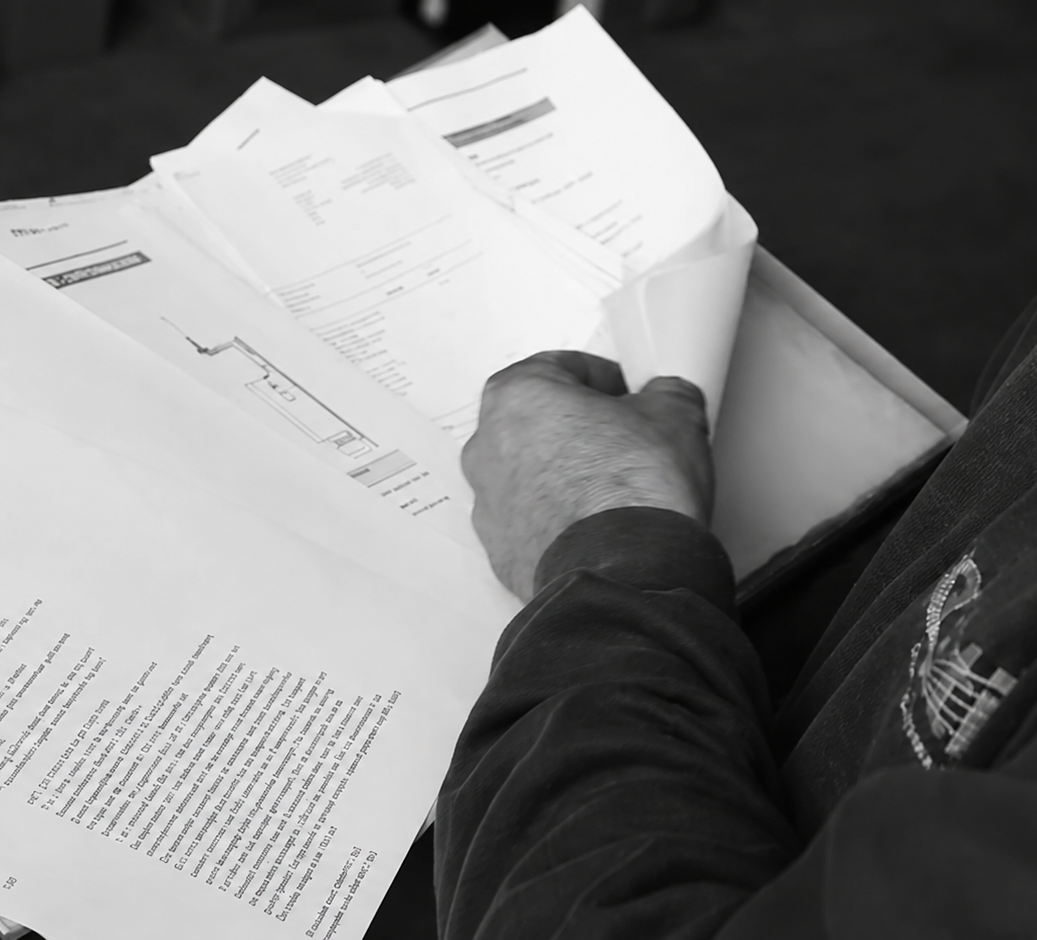
Monteur bekijkt technische documenten en tekeningen op papier.

Where things currently go wrong

The installation history is in your head or in old invoices.
Your technician wants to know what is installed at this customer and what was replaced last time. That information is not stored centrally, so they call you or search through job sheets from two years ago.

You schedule recurring maintenance manually.
Every maintenance contract has to be planned again by hand. That works when you have ten, but with fifty, one is easily missed and you may only find out when the customer calls.

Job sheets pile up, so invoicing does too.
The job sheet comes in on paper, ends up on a pile, and by the end of the month you no longer know which jobs have or have not been invoiced.

Your hours are an estimate.
You record arrival and departure times afterwards. Every job where you underestimate the time costs you money.

During an inspection, you need to be able to prove what work was carried out. A fire alarm system logbook, maintenance report or inspection report: if that information is on paper or spread across separate folders, finding it becomes a job in itself. And your signature is the one on the document.

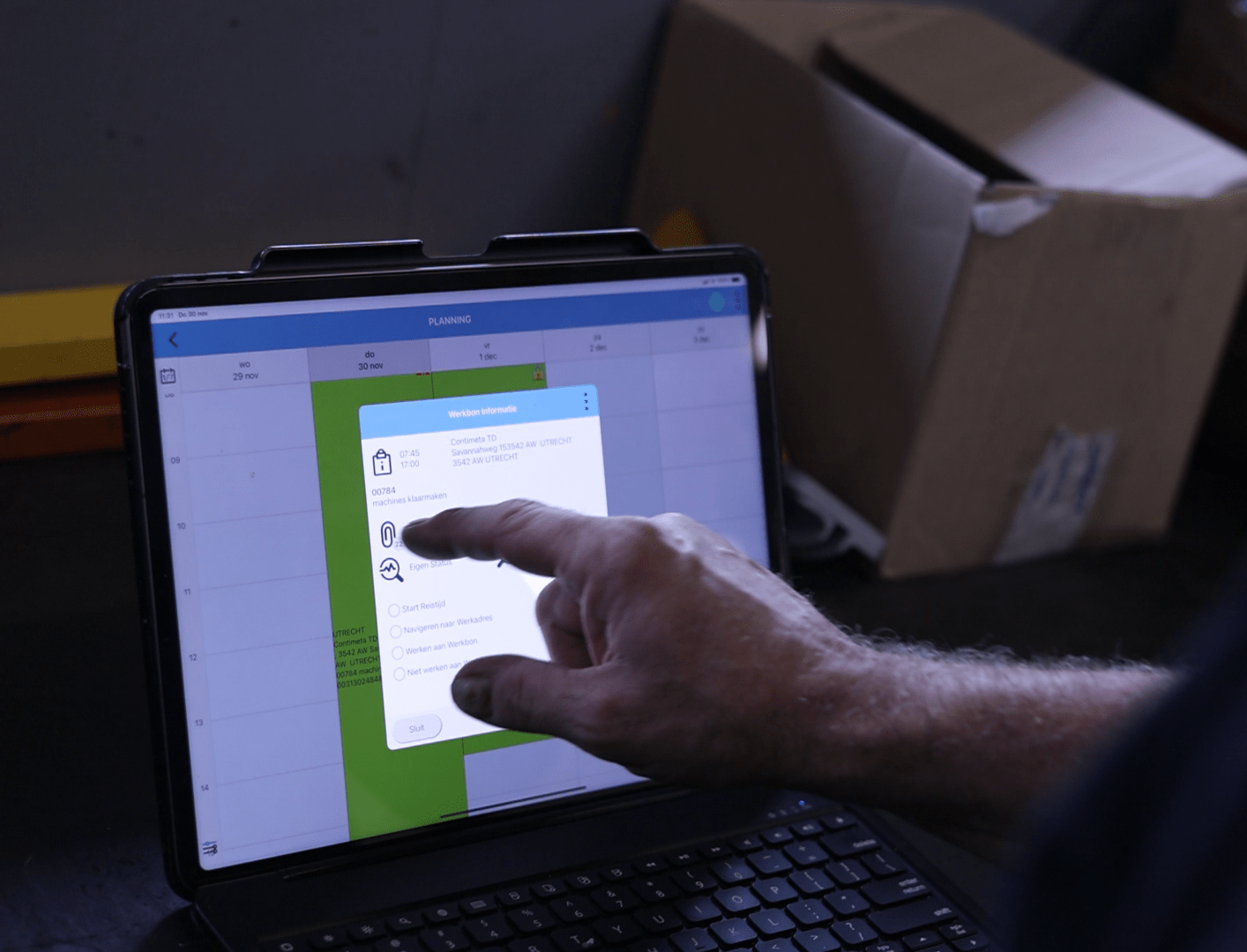
monteur klikt op tablet

What changes with Simple-Simon

The full installation history is stored on the asset card

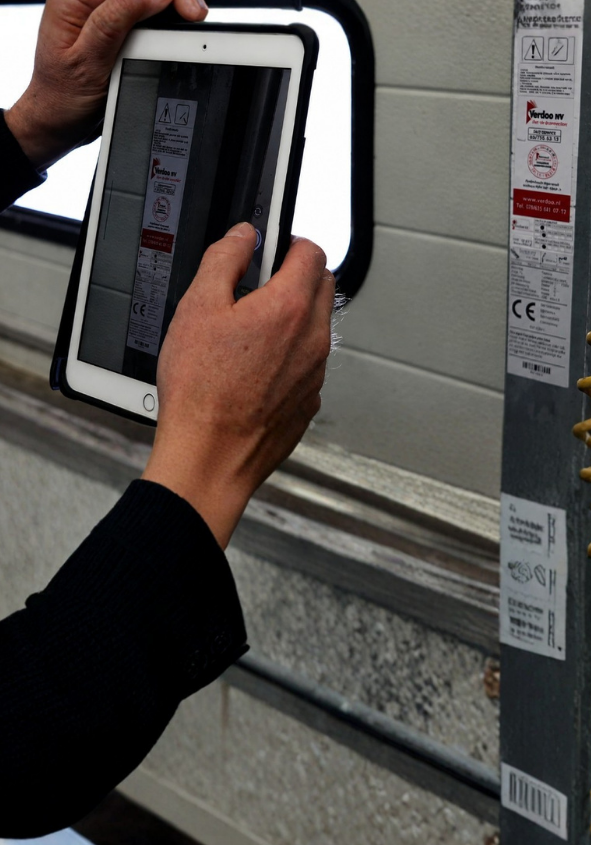
You register each installation as an asset under the customer, including the control panel type, serial number, installation date, maintenance carried out and photos from the most recent service visit. Your technician scans the QR code on the cabinet and has everything available on their phone, even in a meter cupboard without a signal. There is no need to type serial numbers manually either, as they can simply scan them from the nameplate.

Maintenance contracts schedule themselves

You set how often maintenance should recur for each contract, whether annually, every six months or quarterly. Jobs automatically appear on your planning board. In one overview, you can see which installations are due this month and which still need to be scheduled. That is also the difference between being able to manage ten maintenance contracts and fifty.

From breakdown report to invoice on the same day

Breakdown reported? You drag the job on the planning board to the technician who is nearby, and they receive a notification on their phone. On-site, they register their hours using a start-stop button, scan the materials used, complete the form and collect the customer’s signature.

As soon as the job sheet comes in, a draft invoice is ready in your accounting software. In one list, you can see which job sheets still need to be invoiced and which have already been sent.

Try it free for 14 days

Demonstrably comply with the requirements in your industry

In security and electrical engineering, the work itself may be certified, but during an inspection, what matters is what you can prove. Simple-Simon records that evidence at the moment the work is carried out.

Fire alarm systems
NEN 2654-1 For a fire alarm system that is mandatory under the Dutch Buildings and Living Environment Decree, you must be able to demonstrate that it is properly managed, checked and maintained. Every alarm, fault, inspection, repair and modification belongs in the logbook. Annual maintenance must be carried out by a certified company. With our asset management, you build up that logbook for each installation. Every action carried out by your technician is stored on the same asset card, including the date, technician and report. During an inspection, you have one clear overview instead of a folder full of paperwork.

Intruder alarm systems
BORG and VEB Insurers may require a BORG or VEB certificate for higher-risk situations, together with a completion file containing the required documentation. Periodic maintenance is also part of the certification. You link your own completion forms and maintenance checklists to the job sheet type, so they cannot be skipped and the completed version is automatically stored with the installation.

Electrical installations
NEN 3140 and NEN 1010 Periodic inspections and checks come with requirements for registration and inspection intervals. You set the inspection interval on the asset, schedule recurring inspections automatically and keep track of when each installation was last inspected and by whom.

Camera systems and GDPR
For CCTV systems, retention periods and data processing agreements are important. You record what has been agreed for each customer and installation, together with the settings that have been applied, so your technician can see on-site what requirements apply.

Book a demo

W

Why security and electrical engineering companies choose Simple-Simon

  • You can be up and running within a day, even if you still use paper job sheets and Excel for planning. No implementation process that takes months.
  • Your technicians actually use it. That is the difference between software that works and software that stays stuck in the office.
  • Your mandatory forms, from completion certificates to NEN 3140 inspections, are linked to the job sheet type and cannot be skipped.
  • You have the complete history of every installation at hand, even in a meter cupboard without a signal.
  • Your maintenance contracts schedule themselves, whether you have ten or fifty.
  • You can connect your own accounting software, including Exact Online, AFAS, SnelStart, WeFact and 40 other packages.

aarom beveiligings- en elektrotechnische bedrijven kiezen voor Simple-Simon

  • Je draait binnen een dag, ook als je vandaag nog met papieren bonnen en een Excel-planning werkt. Geen implementatietraject van maanden.
  • Je monteurs gebruiken het echt. Dat is het verschil tussen software die werkt en software die op kantoor blijft hangen.
  • Je verplichte formulieren, van opleverbewijzen tot NEN 3140-keuringen, hangen vast aan het werkbontype en kunnen niet worden overgeslagen.
  • Je hebt de volledige historie per installatie bij de hand, ook in een meterkast zonder bereik.
  • Je onderhoudscontracten plannen zichzelf in, of je er nu tien hebt of vijftig.
  • Je koppelt je eigen boekhouding als Exact Online, AFAS, SnelStart, WeFact en 40 andere pakketten.
Sales Team medewerkers samen op de foto.

See how it works for your security or electrical engineering company

Want to see how other security and electrical engineering companies use Simple-Simon to record inspections, comply with regulations and invoice faster? In one hour, we walk through a job the way you would plan it, from job sheet to invoice.

Book your demo

Frequently asked questions from security and electrical engineering companies. Simple answers.

What is software for security and electrical engineering?

Software for security and electrical engineering is a system that brings together your planning, job sheets, maintenance contracts and installation data. Your technician works from an app on-site: they can see which installation is in place, what work was carried out previously, complete the job sheet and inspection form, and collect the customer’s signature.

In the office, you can use the planning board to see who is where and which job sheets still need to be invoiced. It works just as well for a sole trader as it does for a company with multiple teams.

How do I keep a digital logbook for a fire alarm system?

You register each fire alarm system as an asset under the customer. Every inspection, fault, repair and maintenance visit carried out by your technician is recorded on that installation’s asset card, including the date, technician and report. This allows you to build the logbook as the work is carried out, instead of having to piece it together afterwards.

NEN 2654-1 requires all events relating to the operation of the system to be recorded and available during an inspection.
Can I use my own completion forms and inspection checklists?

Yes. You can create your own digital forms, such as a completion report for a burglar alarm system, an NEN 3140 inspection form or a BORG completion certificate. You can link these forms as a standard attachment to a job sheet type. Your technician automatically sees the form and cannot skip it. The completed form is stored with both the job sheet and the installation.

How do I automatically schedule recurring maintenance?
Je stelt per onderhoudscontract de frequentie in, bijvoorbeeld jaarlijks of per kwartaal. De opdrachten verschijnen daarna automatisch op je planbord op het moment dat ze aan de beurt zijn. Je hoeft dus niet zelf bij te houden welke installatie wanneer toe is aan onderhoud, en je ziet in één overzicht wat er deze maand staat. 
Does the app work without an internet connection, for example in a meter cupboard or basement?

Yes. The app works offline. Your technician can complete job sheets, checklists and inspection forms without an internet connection and can also access the installation history. As soon as a connection is available again, everything synchronises automatically with the office.

How much does software for a security or electrical installation company cost?

Simple-Simon costs €30 per user per month, can be cancelled monthly and has no setup costs. You only pay for the people who use it, so if you work on your own, you only pay for one user. The pricing page shows what is included in the basic package.

Start today with Simple-Simon

Plan a demo or start a 2 week trial

Complete for €30  per month, per user

Try for freeStart a demo

“Our company has been using this app for a very long time, and now with the new 3.0 version, it works even better. Thanks a lot!”

Aktie Totaalinstallateurs B.V.

★★★★★
★★★★★
4.8/5 rated