



Installation software your technicians will actually use


Planner werkt achter meerdere beeldschermen op kantoor voor het plannen van de buitendienst.

Software for installation companies with technicians on the road
Your schedule may be planned weeks ahead, until an urgent breakdown comes in at 7:30 and everything has to change. Your technicians sometimes work in pairs, so you want to know exactly who worked how many hours and how much travel time they logged. On a housing association project, you may work at fifteen different addresses, while only one invoice is sent.

The information is in your head or in the van
The quotation determines what you ultimately invoice. You have maintenance contracts in place, but when each maintenance visit is due is often something you simply keep in your head. Your completion forms are properly filled in, but they are still on paper in the van. And your technicians call you throughout the day for information they should be able to see on their phones.

The software you have does too little or too much
Whether you install air conditioning systems on your own or manage maintenance contracts with twenty technicians, at some point you run into limitations. Software for installation companies should solve that, but in practice the system you use often does either too little or so much that nobody actually wants to use it.

Plan a demo

Monteur aan het werk bij een industriële machine terwijl hij telefoneert.

Where things currently go wrong:

The job sheet arrives too late or is incomplete.

You can only invoice once the job sheet is in. If additional work or a signature is missing, the invoice gets put on hold until someone follows up.

Your technician calls you for information they should be able to see themselves.

What type of boiler is installed? What was replaced last time? What is the serial number? Every phone call costs both of you time.

Hours and travel time are estimated afterwards.

Especially when two technicians work on the same job, the recorded hours are rarely completely accurate.

Forms are not properly secured.

A checklist that can still be edited afterwards is not reliable proof. And if a technician skips it, you may not notice until an audit.

With large projects, you lose visibility per address.

Fifteen homes for the same housing association, fifteen separate job sheets, and at the end of the month you still have to work out exactly what was done at each address before you can send the invoice.

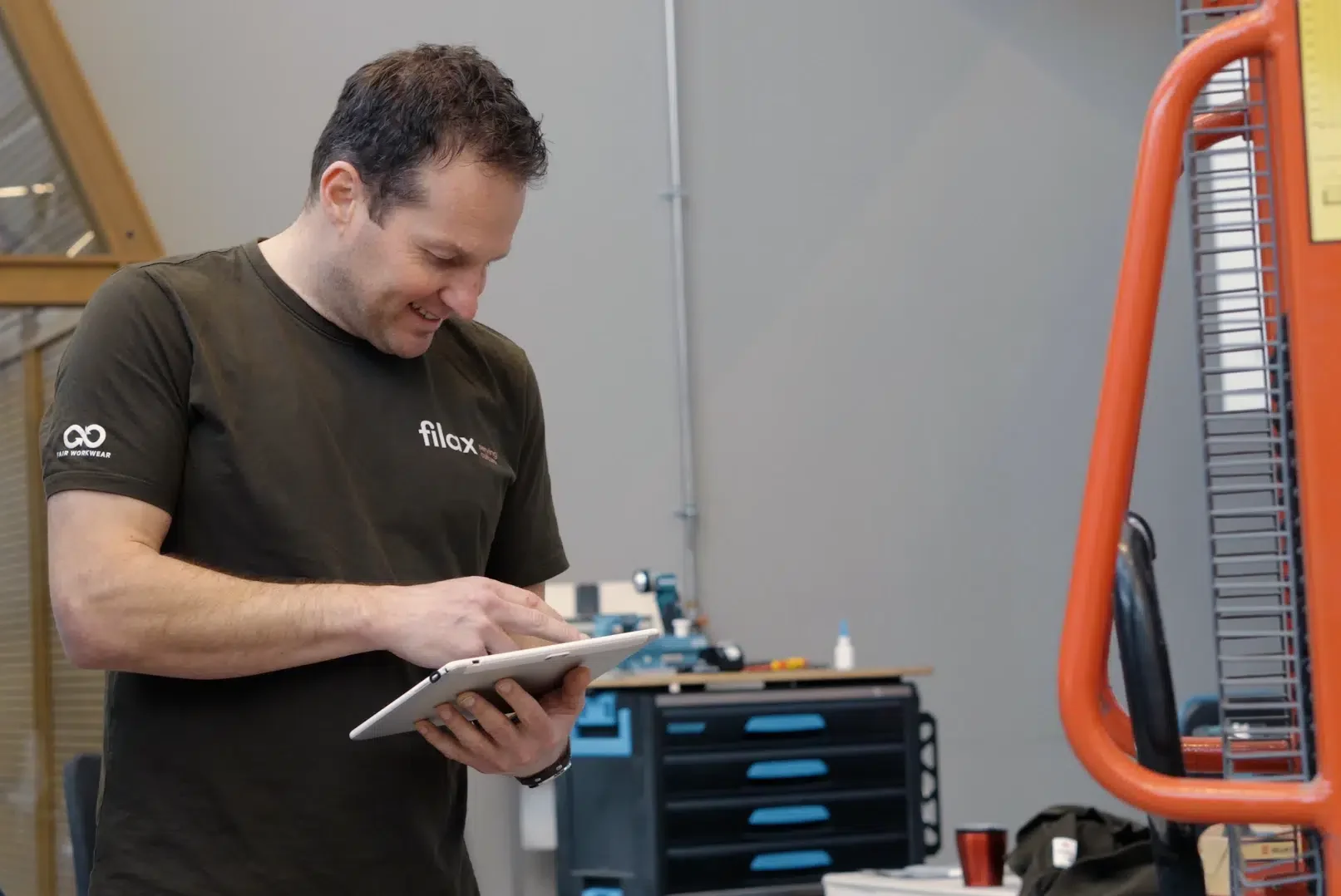
monteur die de simple-simon app gebruikt op tablet

What changes with Simple-Simon:

Your technician has the full history at their fingertips

Your technician opens the job sheet app on their phone and immediately sees everything linked to that address: the type of installation, the serial number, what was replaced previously, photos from the last service visit, and the manual. There is no need to call you, and you do not have to look anything up.

If you use QR or barcode stickers on your installations, the technician simply scans the object and the correct record opens straight away. The app also works at locations without an internet connection; as soon as a connection is available again, everything synchronises automatically.

Scheduling a breakdown takes just one minute

Breakdown reported? On the digital planning board, you can immediately see who is nearby and still has availability. You create the job sheet, drag it to the right technician, and the job appears in their app straight away. If a job takes longer than expected, you simply move the rest of the day’s schedule and everyone sees the update immediately.

You can also connect the planning to the calendar you already use, whether that is Outlook, Google or Apple.

Additional work goes straight onto the invoice

Your technician discovers on-site that extra work is needed. They add it to the job sheet, scan the materials used, take a photo and ask the customer to sign. Hours and travel time are recorded automatically.

As soon as the completed job sheet comes back, a draft invoice is ready in your accounting software. Exact Online, AFAS, SnelStart and WeFact: the integration imports your customers and items and turns the job sheet into an invoice. You can invoice the same day instead of waiting until the following month.

Try 2 weeks for free

Monteurs bekijken samen een digitale werkbon op een tablet tijdens een buitendienstklus.

Demonstrably comply with the regulations in your sector

As an installation company, it is not enough to simply do the work properly — you also need to be able to prove it. Simple-Simon captures that evidence at the moment the work is carried out, rather than afterwards.

Gas Boiler Act (CO certification)

Since 1 April 2023, only certified companies are allowed to work on gas combustion installations under BRL 6000-25 or BRL K25000. Your technicians need a Certificate of Competence for CO, and if more than 20 ppm of carbon monoxide is measured in an area where people may be present, this must be reported to the municipality. You can link your CO form directly to the relevant job sheet type, so your technician cannot skip it and the measurement values are always included on the job sheet.

F-gases and leak checks

Installations containing 5 tonnes of CO₂ equivalent or more are subject to mandatory leak checks and require a logbook. A digital logbook is permitted, provided it can be accessed on-site at any time — including during an emergency call at 11 p.m. The data must be retained for five years by both the owner and the installer. With asset management, you build up this logbook for each installation: every leak check, refill and action is recorded on the asset card and can be accessed from the app.

Quality Assurance Act and the completion file

Since 1 January 2024, a completion file must be provided when a project is handed over (Article 7:757a of the Dutch Civil Code), including drawings, materials and installations used, and maintenance instructions. Because your job sheets, photos, forms and material records are built up per work address, most of that file is already complete before you even start putting it together.

VCA and your own safety forms

LMRAs, work permits and your own checklists can be linked to a job sheet type as mandatory attachments. They cannot be changed afterwards, so what is recorded is exactly what was measured.

Why installation companies choose Simple-Simon

  • You can be up and running within a day, even if you still work with paper and WhatsApp today. No implementation process that takes months.

  • Your technicians actually use it. That is the difference between software that works and software that stays stuck in the office.

  • Your mandatory forms, from CO measurements to LMRAs, are linked to the job sheet type and cannot be skipped.

  • You have the full history of every asset at your fingertips, even in a basement without a signal.

  • You connect your own accounting software: Exact Online, AFAS, SnelStart, WeFact and 40 other packages.

  • You pay €30 per user per month and can cancel monthly. If you work on your own, you only pay for one user.

Sales Team medewerkers samen op de foto.

See how it works for your installation company

Want to see how other installation companies use Simple-Simon to speed up their workflows, stay compliant and invoice faster? In one hour, we walk through a job the way you would plan it, from job sheet to invoice.

Book a demo now with a consultant who knows the industry.

Plan a demo

Frequently asked questions from installation companies. Simple answers.

What is software for installation companies?

Software for installation companies is a system that brings together your planning, digital job sheets, hour registration and invoicing. Your technicians work from an app on-site and complete the job sheet straight away. In the office, you can use the planning board to see who is where and which jobs have been completed.

Because the data only needs to be entered once, there is no need to retype information from the job sheet into your administration. It works just as well for a sole trader with one van as it does for an installation company with multiple teams.
Can I link CO and Gas Boiler Act forms to a job sheet?

Yes. You can create your own digital forms, for example a CO measurement report or a gas tightness inspection report, and link them as a standard attachment to a job sheet type. Your technician automatically sees the form and cannot skip it. The completed values are then stored on the job sheet and in the history of that address, so during an audit you can show what was measured and when.

Can I keep an F-gas logbook for each installation?

Yes, through asset management. You register each installation as an asset with its own serial number and link leak checks, refrigerant top-ups and maintenance visits to it. Your technician can view the complete history of that installation on-site and add the latest work to the same asset record.

A digital logbook is allowed as long as it can be accessed on-site. The app also works offline, so the information remains available even in a technical room without an internet connection.
How much does software for an installation company cost?

Simple-Simon costs €30 per user per month, can be cancelled monthly and has no setup costs. You only pay for the people who use it, so if you work on your own, you only pay for one user.

Additional modules such as asset management with scanning functionality can be added separately. The pricing page shows what is included in the basic package.
What is the difference between Simple-Simon and an ERP system for the installation industry?

An ERP system for the installation industry is designed to run your entire business, including estimating, purchasing, inventory, workforce management and accounting. That makes it powerful, but also more expensive and time-consuming to set up. In practice, technicians often use only a small part of it.

Simple-Simon focuses on one area and does it well: planning, job sheets, hours and materials, while integrating with the software you already use. Your accounting software or ERP remains the leading system, while Simple-Simon adds a solution your field technicians will actually use.
What is a digital job sheet for installation companies?

A digital job sheet for installation companies is a digital record that a technician completes on-site to document the work carried out on an installation, using a phone or tablet instead of paper.

In addition to hours worked, travel time and materials used, it includes details about the installation itself, such as the type of unit, serial number and what was replaced during the previous service visit. Mandatory forms are linked to the type of job, so a CO measurement or LMRA cannot be skipped and the measurement values are always recorded on the job sheet. The customer signs on the screen and the completed job sheet is immediately available in the office, after which it can be sent to the accounting software as a draft invoice. Because each job sheet is linked to both the work address and the installation, you build up a history for each asset that can be retrieved for leak checks, inspections or completion files.