


Sewer service software: from emergency call-out to signed job sheet

A blockage does not happen between nine and five. Your planning should not either.

Monteur werkt aan een ondergrondse leiding in een woonwijk.

The emergency service depends on you
It is quarter to ten in the evening and a housing association calls: there is water in the basement of an apartment complex. Who is available, who is nearby and what equipment do they have with them? You know, because you are on emergency duty. But if you have to keep all of that in your head every evening, the system only works as long as you are there.

Yesterday’s job sheet still has not been completed
During the day, the planning does not run itself either. Three drain unblocking jobs are scheduled, but two more come in before lunch. Meanwhile, the technician on-site wants to know whether they need to bring a high-pressure cleaner or a camera. And yesterday’s job sheet still has not been completed.

Quickly on-site, administration handled straight away
Whether you only clear blockages, also carry out camera inspections or install and maintain complete sewer systems, every job is ad hoc, every customer wants fast service and afterwards everyone expects a signed job sheet.

Medewerkers plannen onderhoudswerkzaamheden in Excel op kantoor.

Where things currently go wrong

Breakdowns always happen at the wrong time.

A blockage at a housing association at ten in the evening, a sewer break on Friday afternoon. You plan ad hoc and rearrange the rest of the day around it. It works, but every time it means another phone call.

You do not know what is on-site until you drive there.

Was a camera inspection already carried out at this address? What was found and what was agreed? That information is on paper in the van, or nowhere at all.

The job sheet comes in too late, and so does the invoice.

Your technician fills it in when they get back, or tomorrow, or they forget. By the end of the week, you no longer know which jobs have already been invoiced.

Your emergency service registration is too informal.

Who is on duty, when, and how can they be reached? That information is in a WhatsApp group or in the planner’s head. If the planner is unavailable, the system is too.

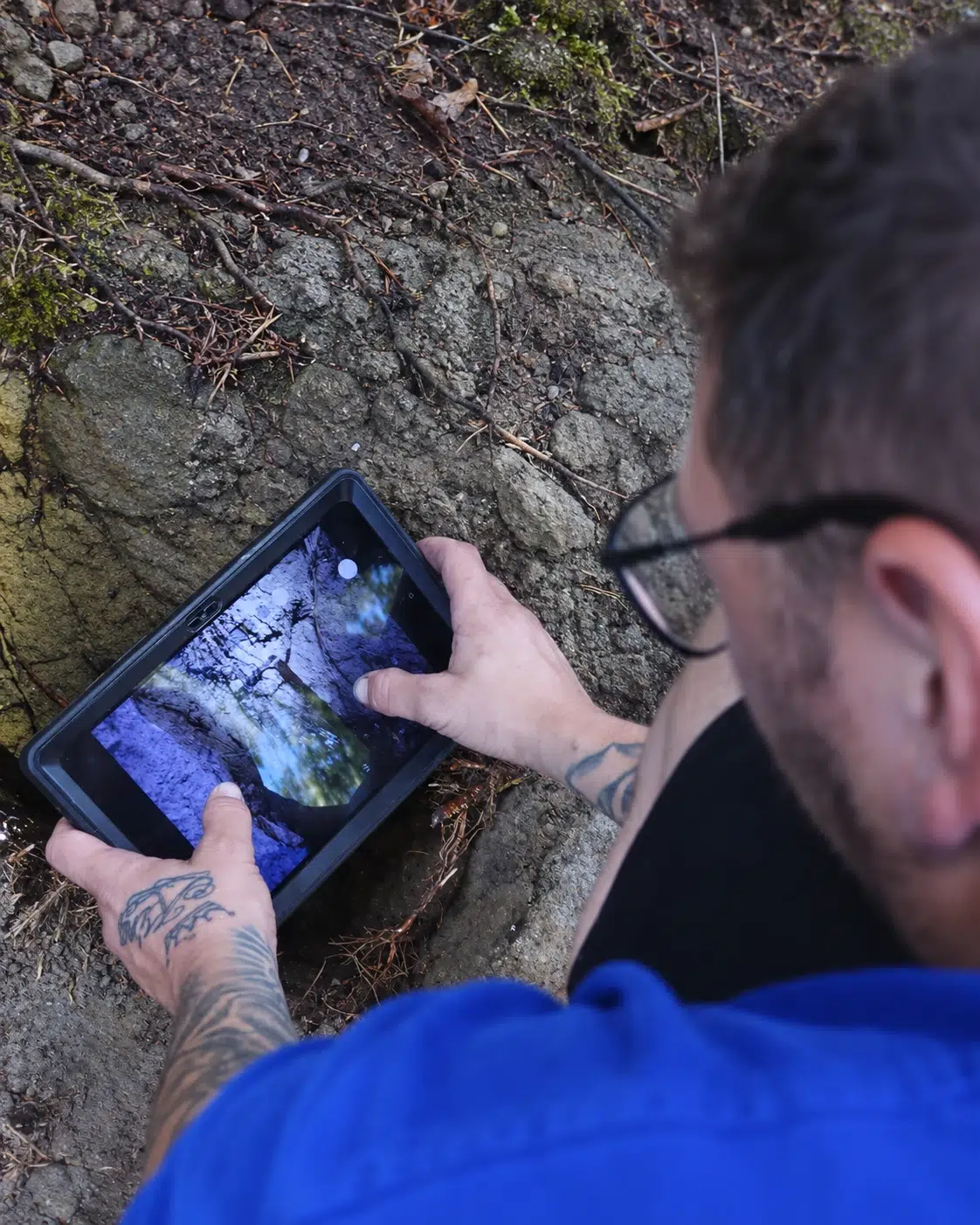
Monteur inspecteert een leiding met een tablet tijdens werkzaamheden buiten.

What changes with Simple-Simon

An emergency call-out is in your technician’s app within one minute

The emergency service gets a call. On the planning board, you can see who is available and nearby, create the job sheet and drag it to the right technician. The job appears on their phone straight away, including the address, customer type and what was previously done at that location.

No back-and-forth phone calls. No “Do you remember what happened last time?” The information is right there on the job sheet.

The location history is on the job sheet, not in someone’s head

You register each address with the relevant assets, including the type of sewer system, connection type, previous blockages, camera inspection findings and photos. Your technician scans the QR code on-site and sees the full history, even offline in a basement or crawl space without a signal.

Everything they do is added to that same record. The next time they visit, they already know what to expect.

The job sheet is completed while they are still on-site

Your technician completes the job sheet on their phone, including what they did, how much time they spent, which materials they used and photos of the situation before and after. The customer signs digitally. As soon as the job is finished, the completed job sheet is available in the office.

No more pile of job sheets on Friday afternoon. And as soon as the job sheet comes in, Simple-Simon automatically sends the draft invoice to your accounting software, whether you use Exact Online, SnelStart, WeFact or one of 40 other integrations.

Book a demo

Simple-Simon medewerker geeft een live demo van de werkbon app aan bezoekers op een vakbeurs.

Demonstrable working methods: what municipalities and housing associations expect

Municipalities and housing associations are increasingly demanding when awarding cleaning and inspection work. They expect you to be certified and to be able to demonstrate how each job was carried out.

BRL K10014 – sewer cleaning
This is the KIWA process certificate for cleaning sewers, manholes and drains. It confirms that your working methods meet defined quality requirements. During an audit, you must be able to show which procedures were followed for each job. Digital job sheets with a fixed checklist for each job type, such as drain unblocking, sewer cleaning or drain cleaning, provide clear evidence. The checklist is linked to the job sheet type and cannot be skipped.

BRL K10015 – camera inspection
For companies that also carry out inspections, this is the corresponding certificate. Inspection reports must comply with NEN-EN 13508-2 and can serve as valid evidence in disputes between tenants and landlords or in insurance claims. You create your own inspection form, link it to the job sheet as a mandatory form, and the completed version remains stored with the address.

VCA and safety forms
If you work in public spaces or for contractors, LMRAs and work permits are part of your workflow. You can link these as mandatory forms to the job sheet type.

24/7 service records
Emergency service jobs are not always scheduled in the same way as regular work. But they are still invoiced and included in your quality records. Every job, including those carried out at night, is recorded on the job sheet.

Talk to an industry expert

Why sewer service companies choose Simple-Simon

  • You can be up and running within a day, even if you still use paper job sheets and WhatsApp for planning.
  • Your technicians actually use it. That is the difference between software that works and software that stays stuck in the office.
  • Every job is recorded on the job sheet, including hours, materials, photos and a signature.
  • Your emergency service planning is stored in the system, not in the head of one planner.
  • Your mandatory checklists for each job type, from drain unblocking reports to inspection reports, cannot be skipped.
Sales Team medewerkers samen op de foto.

See how it works for your sewer service company

Want to see how other sewer service companies schedule emergency jobs and process drain unblocking job sheets without paper? In one hour, we walk through a job the way you would plan it, from emergency call-out to signed job sheet. We also show you how Simple-Simon automatically sends the completed job sheet to your accounting software.

Book your demo

Frequently asked questions from sewer service companies. Simple answers.

What is sewer service software?

Sewer service software is a system that helps drain unblocking and sewer cleaning companies manage planning, job sheets, location history and invoicing. You can schedule emergency call-outs directly with the nearest available technician, the job sheet is completed on-site on their phone, and as soon as the job is finished, a draft invoice is ready in your accounting software.

The location history, including what was previously found and which actions were carried out, remains available for each address, even offline.
How do I schedule a 24-hour emergency service?

You set each technician’s availability by time slot. When a call comes in, you can see on the planning board who is on duty and nearby, create the job sheet and send it directly to their app. There is no need to call the technician with the assignment because it appears in the app straight away. The job sheet also shows what work was previously carried out at that address.

Can I use my own drain unblocking forms and inspection reports?

Yes. You can create your own forms, such as a drain unblocking report, a cleaning report or a CCTV inspection report in accordance with NEN-EN 13508-2, and link them as mandatory attachments to the job sheet type. Your technician cannot skip them. The completed report is stored with the address and is immediately available for your customer or for a BRL K10014/K10015 audit.

How do I keep track of the location history for each address?

Each work address is saved as a location with its own record, including previous findings, work carried out, photos and inspection results. For every new job, your technician can view this history on their phone, even without a signal in a crawl space or basement. Anything they add is available again the next time.

Does the app work without an internet connection in a basement or crawl space?

Yes. The app works offline. Your technician can complete job sheets, checklists and inspection reports without an internet connection and can also access the location history. As soon as the connection is restored, everything synchronises automatically.

Start today with Simple-Simon

Plan a demo or start a 2 week trial

Complete for €30  per month, per user

Try for freeStart a demo

“Our company has been using this app for a very long time, and now with the new 3.0 version, it works even better. Thanks a lot!”

Aktie Totaalinstallateurs B.V.

★★★★★
★★★★★
4.8/5 rated