Simon data

Reporting Software: Automatically Send a Professional Report to Your Customer After Every Job

Your engineer has finished the job. Now the hours need to be recorded, the used materials noted down and a report sent to the customer. If all of those are separate tasks that still require manual administration, you lose hours every day on paperwork that adds no value.


With Simple-Simon’s reporting software, your engineer records everything directly on their phone: photos, checklists, materials and the customer’s signature. As soon as the work is completed, you receive the report in the office and your customer automatically receives a professional report with your logo and branding.


Reports in Simple-Simon are directly connected to the job sheet app: everything your engineer records on the job sheet automatically becomes part of the report.

Try for free

What is reporting software?

Reporting software is a digital system that automatically generates reports based on completed work. In field service, this means your engineer completes their job sheet and the system instantly creates a professional report for the customer, including photos, checklists, used materials and worked hours.

The difference compared to a Word template or a manually completed PDF is simple: reporting software retrieves all information directly from the job sheet. No duplicate entry, no forgotten details and no delays. The report is ready the moment your engineer finishes the work.

Custom digital reporting: filter and sort exactly what you need

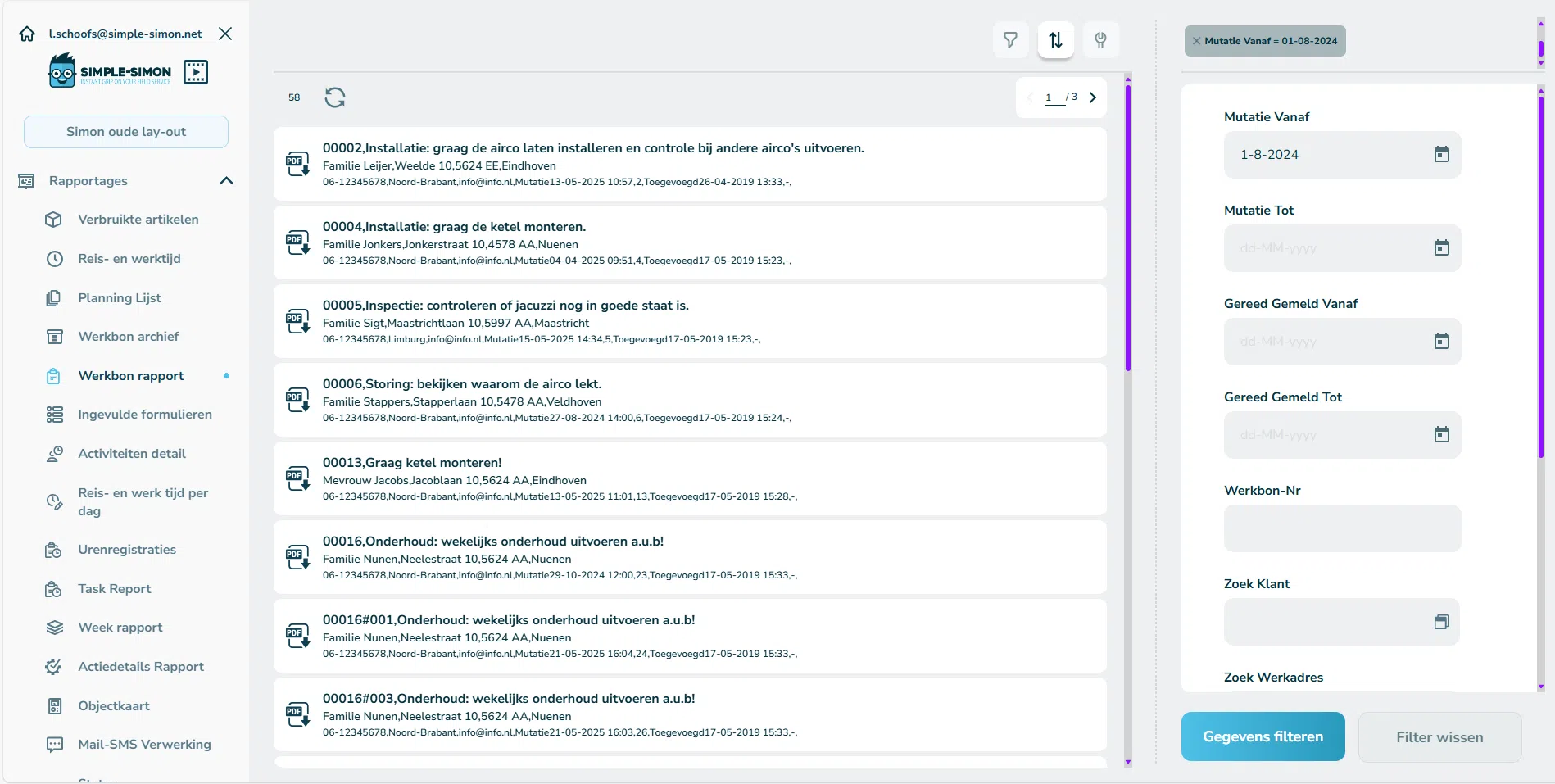
Filter your digital reports by date, employee, customer or job sheet status. Instantly see which jobs have been completed, which reports have already been sent to customers and which job sheets are still awaiting invoicing.

Whether you are looking at planning overviews, time tracking or material usage per project, all data comes from the same system and is immediately visible in the office, including through the digital planning board.

Read more Read less
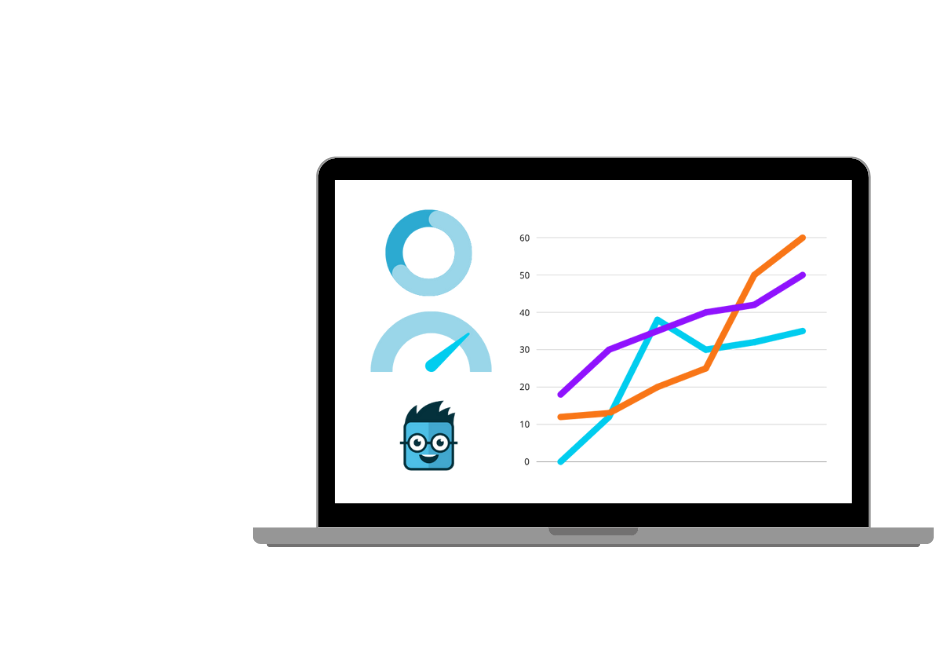
rapportage laptop

Reporting on hours and material usage per project

For every project, you immediately see how many hours have been registered through the time tracking module and which materials have been used through the materials usage overview. All of this information is linked to the same job sheet and is immediately available as a report.

  • You can create daily and weekly timesheets per employee, showing exactly how many hours they worked and on which jobs. This is useful for payroll processing and for customers who require proof of worked hours.
  • You can see exactly which materials have been used on each project and in what quantities, ensuring your invoices are accurate and that no line items are missed. This works seamlessly together with the materials usage functionality.
  • You can view the status of all job sheets in a single report: planned, in progress, completed or archived. This allows you to immediately see which work is still waiting for invoicing.
Read more Read less
engineer

Automated reporting: reports sent the moment work is completed

Your engineer archives the job sheet. At that moment, Simple-Simon automatically sends a PDF report to the customer including the report, photos and completed forms. There is nothing left for you to do. The administrative process is completed at the same moment your engineer packs away their tools.

Through the customer communication module, you configure once which messages are sent automatically and when: only the report, or also appointment confirmations and notifications that the engineer is on the way.

Instant Insight into Hours and Material Usage

With our customised reports, you get direct insight into time tracking and material consumption per project. You’ll always know exactly how many hours were spent and which materials were used. This information is not only useful internally but also offers valuable transparency for your clients.

Some highlights of our reporting:

  • Time registration: Create daily and weekly reports for yourself and your colleagues;

  • Material overview per project: Instantly see which materials were used;

  • Work order status: Easily view scheduled, completed, and archived work orders.

Read more Read less
raportage

Archive, download and send reports directly to your accounting software

Every completed job sheet and every form is automatically archived within Simple-Simon. Download reports as PDFs whenever you need them, whether for customer records, warranty documentation or evidence in case of disputes. Nothing gets lost and nothing needs to be manually stored.

Do you have an integration with your accounting software? Simple-Simon automatically sends registered hours and materials as draft invoices. No more manual data entry. Explore all integrations to see which systems fit your workflow.

Support team Simple-Simon werkbon app — altijd bereikbaar voor servicebedrijven

Who is reporting software for?

Simple-Simon’s reporting software is built for SMEs with field service teams that complete jobs at customer locations and need to provide professional reports after completion.

Typical users include:

  • Installation companies and HVAC engineers that must provide signed inspection reports when delivering heat pumps, air conditioning systems or boilers to customers or housing associations.
  • Maintenance companies with service contracts that need to prove maintenance has been carried out per asset, including checklists, photos and signatures.
  • Security and AV installers that need to record and archive serial numbers, installation photos and inspection reports per location.
  • Plumbers, electricians and landscapers who want to send a professional report directly after completing the work, including photos of the completed job.
  • Businesses working with subcontractors or freelancers who need reporting through an app without giving access to financial administration.
sign in form

Frequently Asked Questions about Reporting Software

What is reporting software?

Reporting software is a digital system that automatically generates reports based on completed work. Your engineer completes the job sheet on their phone and the system instantly creates a clear report, including photos, checklists, materials and customer signatures. The report is automatically sent to the customer once the work is complete.

What is a digital report?

A digital report is an online document that is automatically generated based on the information your engineer enters on the job sheet. It contains worked hours, used materials, photos, checklist results and the customer’s signature. You can download it as a PDF or send it directly to the customer.

Can I add custom forms to reports?

Yes. You create your own forms in Simple-Simon and link them to the appropriate job sheet type. A maintenance visit requires a different checklist than a breakdown repair or installation handover. Your engineer automatically sees the correct form and everything they complete is included directly in the report.

Can customers sign reports digitally?

Yes. Customers sign directly on your engineer’s phone or tablet screen. The signature is automatically included in the report that is sent to the customer. This provides immediate proof of approval, including for additional work, subscriptions or project handovers.

How does Simple-Simon automatically send reports to customers?

As soon as your engineer archives the job sheet, Simple-Simon automatically sends an email to the customer with the report attached as a PDF, including photos and forms. You configure once which messages should be sent automatically and to which email address.

Can I connect reporting to my accounting software?

Yes. Simple-Simon integrates with more than 80 accounting and ERP systems, including Exact, SnelStart and Moneybird. The hours and materials recorded in the report automatically flow through as draft invoices as soon as the job sheet is archived. Explore all integrations to find the right solution for your business.

Start today with personalised reporting

Optimise your workflow and stay in control of your processes with tailored reporting from Simple-Simon. Whether you need internal insights or want to provide greater transparency to your customers, Simple-Simon’s reporting ensures smooth and efficient business operations.

Start today with Simple-Simon

Plan a demo or start a 2 week trial

Complete for €30  per month, per user

Try for freeStart a demo

“Our company has been using this app for a very long time, and now with the new 3.0 version, it works even better. Thanks a lot!”

Aktie Totaalinstallateurs B.V.

★★★★★
★★★★★
4.8/5 rated