


Building your own software with AI? Read this first.
With AI you can build a job sheet app in a weekend. Sounds great. But an app that works is not yet a system your business can run on for years. Certainly not with customer data, alarm codes and invoices inside.
- Honest advice
- Calculate your own costs
- Checklist in 1 minute
And who fixes it? You.
 Simple-Simon in action
 It’s that simple.
The 5 biggest risks of building it yourself with AI
Vibe coding means letting AI write the software: you describe what you want, the AI writes the code. Handy for small tools. But if your entire field service runs on it, you will run into this.
Risk 1
An app is not yet a system
Filling in a job sheet, taking a photo, capturing a signature: you can build that quickly. But your field service runs on far more than that. What you build in a weekend is the tip of the iceberg.
What happens when an urgent job comes in?
- Scheduling and rescheduling for urgent jobs
- Van stock and service contracts
- Invoicing and integration with your accounting
- Working offline in a basement with no signal
Risk 2
Does it work? That doesn’t make it secure
With vibe coding you test whether something works. With security you have to prove it can’t be broken. That is a different profession, and nobody in the conversation with the AI asks that question.
If a customer asks how you protect their alarm codes, what do you show them?
- Viewing other people’s job sheets by changing a number in the link
- Passwords and keys simply sitting in the code
- Database or photo folder accidentally public
- No roles per function, no logging
Risk 3
You are the helpdesk
Built by you means owned by you. For bugs, for updates when Android or iOS changes, and for the technician who calls on Monday morning because the app won’t start.
Who picks up the phone when it goes wrong?
- Errors only surface in the field
- Updates are never finished
- Your technician is stuck, your customer waits
Risk 4
What if the builder leaves?
The knowledge often sits in one head. What if that colleague leaves, falls ill or the AI tool changes? Then the core of your business runs on a system nobody understands anymore.
Would you rather depend on a supplier or on a single colleague?
- No documentation, everything in one head
- Your accounting package changes its integration
- Onboarding new colleagues takes extra time
Risk 5
AI and your customer data
AI-written code looks good and often works too. But without an expert reading along, nobody notices the mistakes. And your customer data quietly walks out the door.
Do you know where your customer data ends up right now?
- Customer data sent to external AI models, without a data processing agreement
- Text in a job sheet or email can make the AI do unwanted things
- An AI assistant that shows more than the user is allowed to see
What you see is just the tip.
With AI you build the job sheet. The real work is underwater.
Flip the switch.
I handle all of that!of the 8 layers you get with AI. The other 7 remain your concern, every single day.
Layer 5 of 8 · click a layer
Integrations
Accounting, ERP, stock, CRM
Simple-Simon80+ integrations, maintained by usWhat lies below the top layer is not “writing code” but “staying correct for years”. That is what Simple-Simon is organised for.
A data breach in your own app? Then it’s on you.
Your job sheet software contains addresses, access and alarm codes, photos of interiors, signatures and inspection reports. If it goes wrong, this is what happens:
Report to the regulator
The GDPR gives you 72 hours to report a data breach. And you must be able to show what happened. Without logging, you don’t know.
You are responsible
The breach is on your name, not on that of the AI tool you built the app with. Your customers hold you accountable.
Big customers drop out
Municipalities, housing associations and large companies send security questionnaires. Without good answers, you’re out.
A whole team that does this for you every day
Behind Simple-Simon is a team of 22 people, including 7 developers and our own customer success team. They roll out security updates, fix bugs and keep building every week. Everything you would have to do yourself when building in-house.
 Ganesh · Senior Software Engineer
 Ankit · Full Stack Developer
 Swapna · Full Stack Developer
 Daniel · Full Stack Developer
 Ron · Customer Success Manager
 Eline · Customer Success Manager
 Lotte · Project Manager
- +15
Every week we keep improving Simple-Simon.
Vibe coding makes the first version cheap, not the first year of maintenance.
Build it yourself vs. Simple-Simon
Simple-SimonThe difference isn’t in the first week, but in the years after. When you build it yourself, you carry that alone.
At Simple-Simon, our team does it for you.
What does building it yourself really cost?
On the left, your bill. On the right, the items everyone forgets. Put them on the receipt and see what happens.
DIY build bill
per year · receipt #001
- Build time€11,040
- Testing and bug fixes
- Maintenance and updates
- Integrations
- Internal support
- Training and documentation
- Hosting, tools, AI usage
- Risk?
Forgotten nothing yet? Take a look on the right.
What everyone forgets
At Simple-Simon this is included in your package as standard. We take care of testing, updates, integrations and support.
Hours per week × cost per hour × 46 working weeks. Forgotten items are conservative estimates (hours per week or € per month); we do not count risk. Simple-Simon = basic package, €30 per user per month.
The check: can you build it yourself?
Tick what you can answer with an honest “yes”.
Building it yourself is a big risk
Three or more “no” answers? Then you are putting the core of your business at stake. Choose software for the core and build around it.
Schedule a live demoFrom scattered tools and DIY builds to calm in your field service
Drag the slider and see the difference.
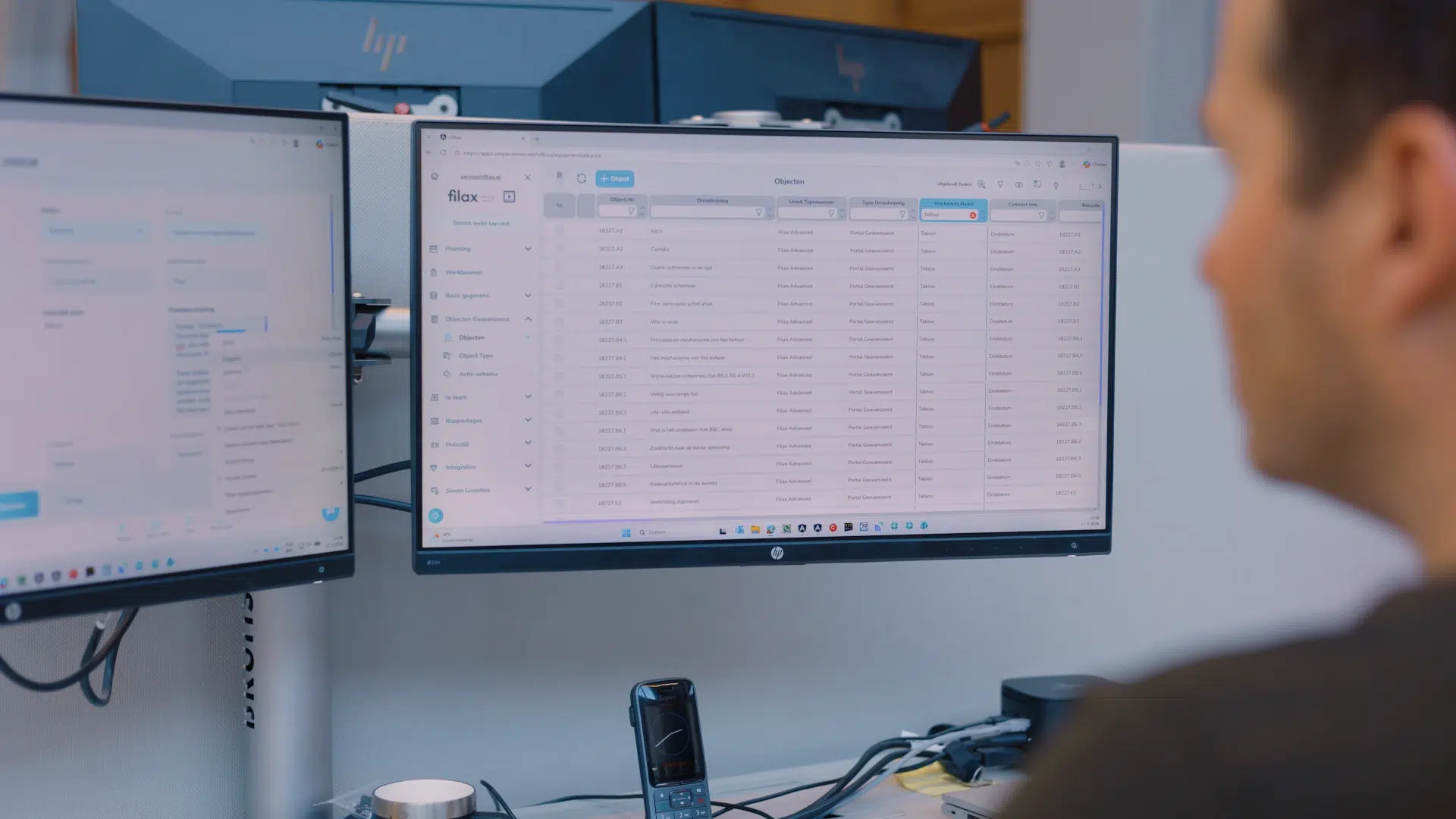 Simple-Simon
Tip: slide all the way to the left or all the way to the right.
- 1
Schedule a live demo
Together we look at how Simple-Simon fits your field service.
- 2
Set it up together
You transfer your data from Excel with the import wizard.
- 3
Your team gets started
Technicians in the app, office in the planning board. Help is close by.
Rather grow than maintain software?
Simple-Simon is job sheet software with an app technicians actually use. It’s up and running within a day, integrates with your accounting and locks you into nothing. Our team takes care of maintenance, updates and support. You keep your time for your customers.
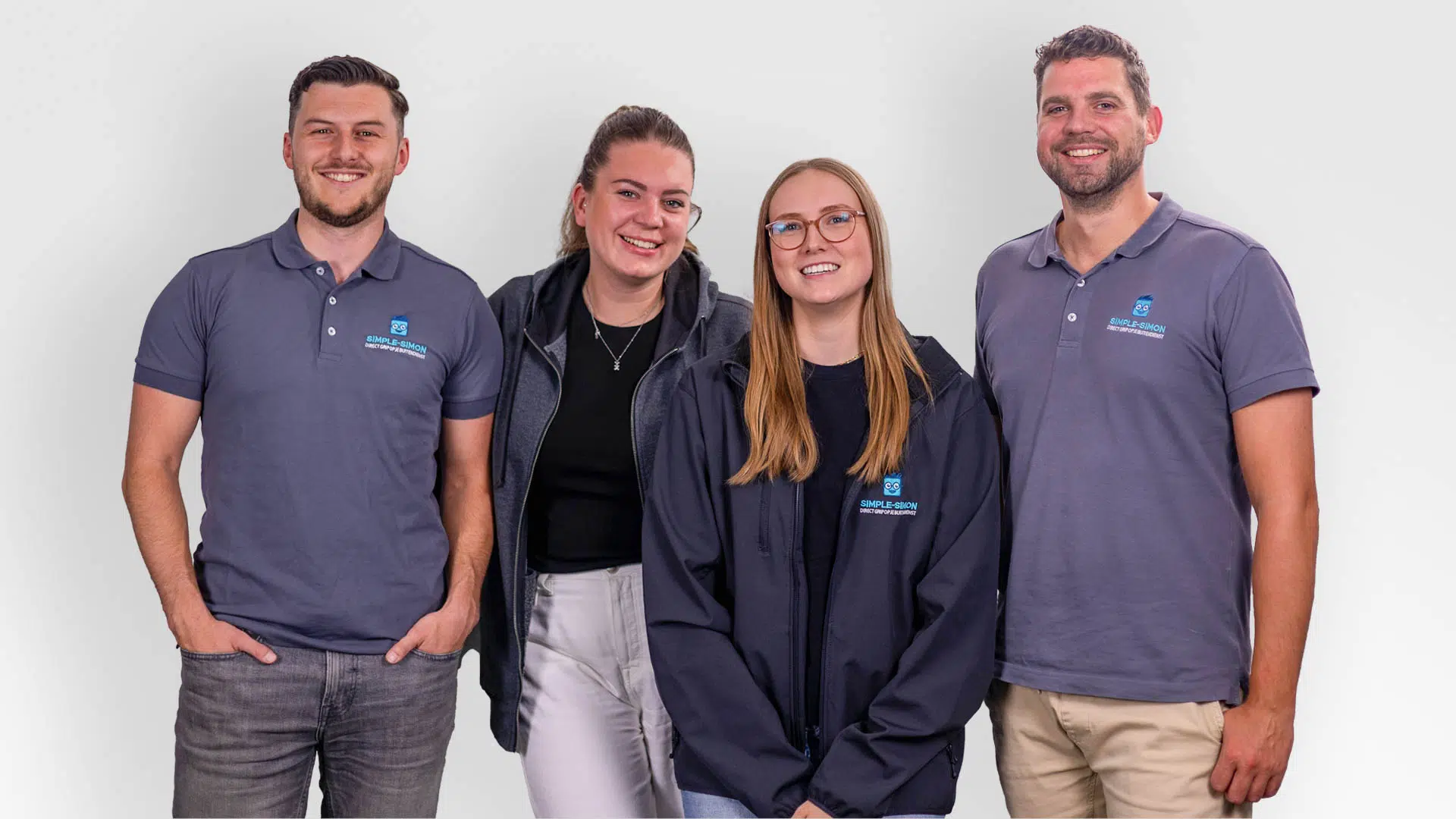 Our support team is ready for you
Frequently asked questions about using AI yourself.
Vibe coding means using AI tools to build software based on instructions written in everyday language. You describe what you want, and the AI writes the code. This means a prototype, form or small dashboard can often be created within hours. You can build a prototype, but usually not a reliable production system. A job sheet form with photos and a signature can be vibe-coded in a weekend. But once you add planning, inventory, contracts, invoicing, accounting integrations, offline functionality, security and GDPR compliance, you are building a product rather than a project. A working app is not the same as a secure app. With vibe coding, you test whether the software works; with security, you need to prove that it cannot easily be compromised. AI-generated code can look correct while still containing errors that may go unnoticed without an expert review. Customer data may also be sent to external AI models without a proper data processing agreement or clear information about how that data is stored or used for training. Building an app that records job sheets is not the difficult part. Building an integration that reliably transfers invoices, customer records, products and VAT codes for years is. The difference lies in where the AI operates. A standalone AI tool does not know your business data, so you have to keep pasting information into it and manually transferring the results back into your systems. How quickly can you get started with a field service SaaS like Simple-Simon? For writing code, yes: that is becoming faster and cheaper all the time. But writing code was never the main problem. Maintenance, security, integrations, offline functionality, support and ownership still remain, even if the code itself becomes free.