


Information Management Software for Your Field Service Team

Your engineer arrives at a customer site for a service visit. But what happened during the previous visit? Which parts were replaced? Are there any open service requests? If that information is buried in paper forms or scattered across emails, your engineer starts the job without the full picture.


With Simple-Simon’s information management software, your engineers have instant access to the complete customer and equipment history on site: previous job sheets, photos, used materials and open service points. Everything is available in one place, directly on their smartphone.

Start your free trial

Access Information Anytime, Anywhere

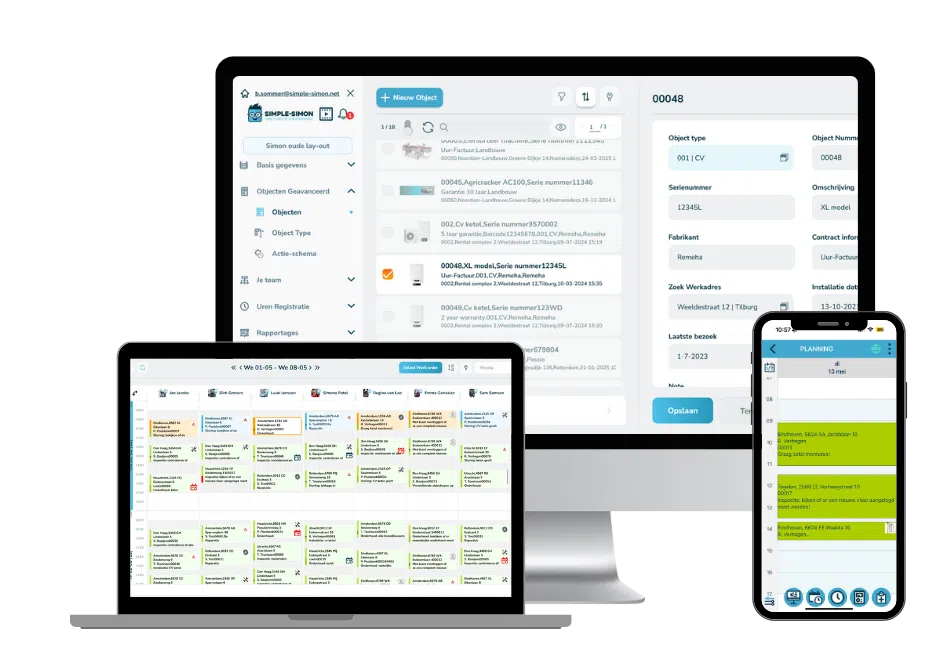
Both the office environment and the mobile app give access to the same information. Your engineer can see on their smartphone which job is planned, what work has previously been completed for that customer and which equipment or installations are present on site.

Looking for an earlier job sheet, a photo of an installation or a customer note? With the job sheet app, you can find everything instantly without searching through paper folders or calling colleagues for information hidden somewhere in an email.

Information is synchronised in real time. What your engineer enters in the field becomes immediately visible in the office. Likewise, anything added in the office is instantly available on the engineer’s phone.
 

Equipment Management and Service History per Installation

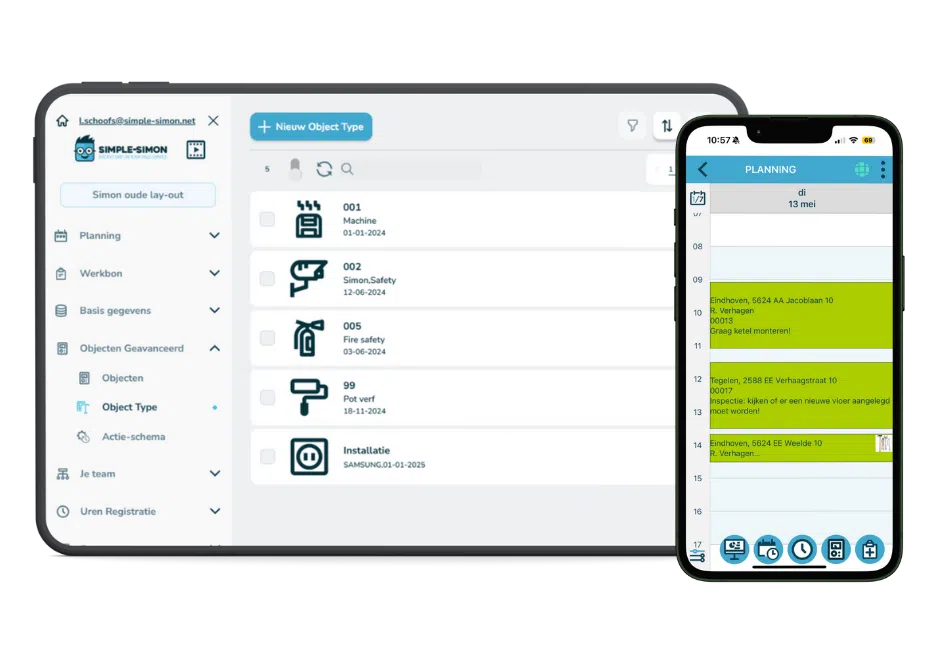
In Simple-Simon, you register equipment for each customer: an air conditioning unit, kitchen installation, heat pump or security system. Every piece of equipment contains its complete service history: completed job sheets, replaced parts, photos and open service requests.

Your engineer can access this history immediately upon arrival at the customer’s location. Everything is documented, including the date, time and name of the person who carried out the work.

Link Documents and Photos to Equipment

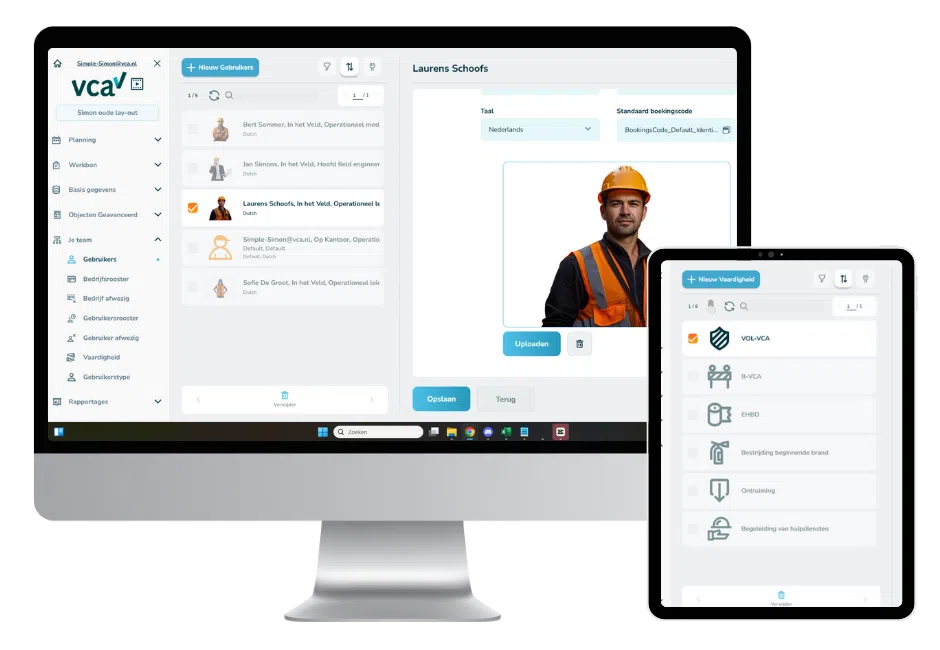
You can attach job sheets, photos, certificates, warranty documents and other files directly to a customer or equipment record in Simple-Simon. Not in a separate folder on a server, not in a WhatsApp conversation, but directly in the customer file where everyone can access them.

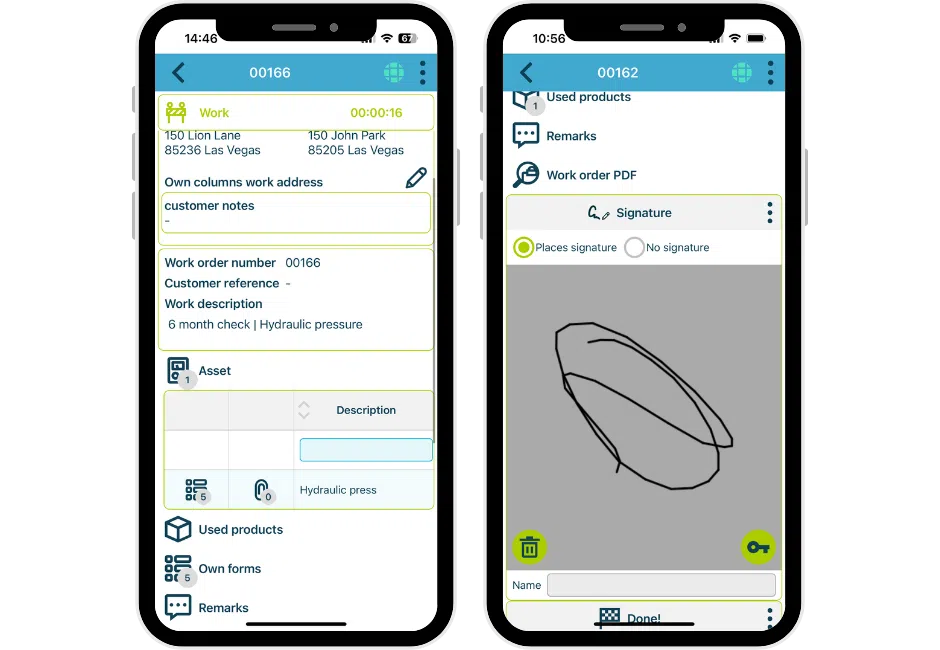
Your engineer can take a photo of the installation on site and it is automatically linked to both the job sheet and the equipment record. If questions arise later about the installation or a warranty claim, you have immediate proof: dated photographs and a signed job sheet.


Automatically Plan Preventive Maintenance

Set a maintenance interval for each asset or installation: annually, every six months or on a specific date. Simple-Simon automatically creates the job sheet via the digital planning board when maintenance is due and schedules it for the right engineer. You no longer need to remember it yourself.

Your customer automatically receives confirmation of the planned maintenance visit. No manual reminder calls, no forgotten contracts and no missed revenue because annual maintenance was overlooked.

The overview immediately shows which assets require maintenance soon, which jobs have already been planned and which appointments are still awaiting customer confirmation.


Reporting and Insights into Hours, Materials and Projects

Want to know how many hours were spent on a project, which materials were used or what the workload looks like per engineer? In Simple-Simon, you can filter by date, engineer or customer and export reports to Excel or PDF.

For payroll administration, approved hours can be exported per employee through time registration. For project evaluation, planned time can be compared with actual time spent. For customers, you can generate reports containing all completed work and materials used.

All reports are available in real time, including through the mobile app while on the move. There is no need to wait for someone to update an Excel spreadsheet.

Digital Job Sheets and Forms for Accurate Information

Your engineer completes the job sheet on site using their smartphone: working hours, materials, comments and photos. Everything entered becomes instantly available in the office without any manual data entry.

You can create your own forms for engineers to complete depending on the type of work: installation checklists, handover reports, risk assessment forms or customer satisfaction surveys. Built-in mandatory fields ensure nothing is missed.

Customers and engineers stay informed through automatic updates. Once a job sheet has been completed, the customer automatically receives confirmation and the job sheet or report can be sent immediately.

Team Overview: Absence, Working Hours and Availability

Manage your team’s availability directly from the office environment. Register holidays, sickness and absences so that your planning board always shows an accurate view of who is available for each job.

This is especially useful for businesses working with subcontractors and freelancers: flexible licences can be configured monthly and each user only receives access to what they need. This means you only pay for active users while ensuring everyone has the correct permissions.

Who Is This Information Management Software For?

Simple-Simon is built for SMEs with field service teams managing equipment and installations at customer locations: installers, HVAC engineers, plumbers, electricians, roofers, landscapers, security companies and maintenance businesses.

Do you operate a showroom or finishing business installing kitchens, furniture or bathrooms? Equipment management is equally valuable here: record exactly what was installed for each customer, store handover photos and have immediate proof available for warranty claims.

For companies with maintenance contracts, the preventive maintenance planning functionality is particularly powerful. Annual or recurring maintenance visits are automatically scheduled so that no contract is ever missed.

How Does Information Management Work in Simple-Simon?

Move from scattered information to a central customer and equipment record in four simple steps:

  • Create a customer in Simple-Simon including all relevant information: address details, contact person, notes and the equipment or installations managed for that customer.
  • Attach job sheets, photos, forms and documents directly to the customer or equipment record. Every completed job automatically becomes part of the maintenance history.
  • Your engineer has access to the complete history on site through their smartphone. They can see previous work, replaced parts and any open service requests.
  • You maintain full visibility from the office: which assets require maintenance soon, the status of open service issues and which customers have active contracts.

Frequently Asked Questions About Information Management Software

What is information management software?

Information management software is a system that allows you to centrally manage customer and equipment data, job sheets, photos and documents. Engineers have access to the complete maintenance history while on site, while office staff maintain a clear overview of all active and completed work.

What is equipment management and why is it useful for field service teams?

Equipment management means recording installations, devices or systems at customer locations in a central platform. Each asset contains its service history: completed job sheets, photos and replaced parts. This ensures your engineers never arrive on site without the necessary information.

Can I automatically schedule preventive maintenance?

Yes. You can set a maintenance interval for each asset (annually, every six months or on a specific date). Simple-Simon automatically creates the job sheet on the planned date and schedules it for the correct engineer. Customers automatically receive confirmation of the appointment.

Does the information management software work offline?

Yes. Engineers can access customer and equipment information and complete job sheets without an internet connection. As soon as a connection becomes available, all data is automatically synchronised with the office environment.

Start your free trial

Features Simple-Simon Offers for Effective Information Management:

Work with customers across multiple locations and link specific job addresses for better clarity.

Log serial numbers and types so you always know which equipment is where.

Store contact persons per customer, job site, or asset so you always have the right information at hand.

Import existing customer or project data via Excel, or use Simon’s integrations to automate your processes.

Conclusion: Manage Your Information and Boost Your Efficiency

Simple-Simon gives businesses the tools to manage all essential information within a single system. By capturing data digitally and in a well-organized way, you streamline workflows and reduce the risk of errors. Information management becomes simpler, allowing you to focus on what truly matters—creating an efficient and effective working environment.

Plan a live demo Contact Sales

Start today with Simple-Simon

Plan a demo or start a 2 week trial

Complete for €30  per month, per user

Try for freeStart a demo

“Our company has been using this app for a very long time, and now with the new 3.0 version, it works even better. Thanks a lot!”

Aktie Totaalinstallateurs B.V.

★★★★★
★★★★★
4.8/5 rated